FIVE BANNERS
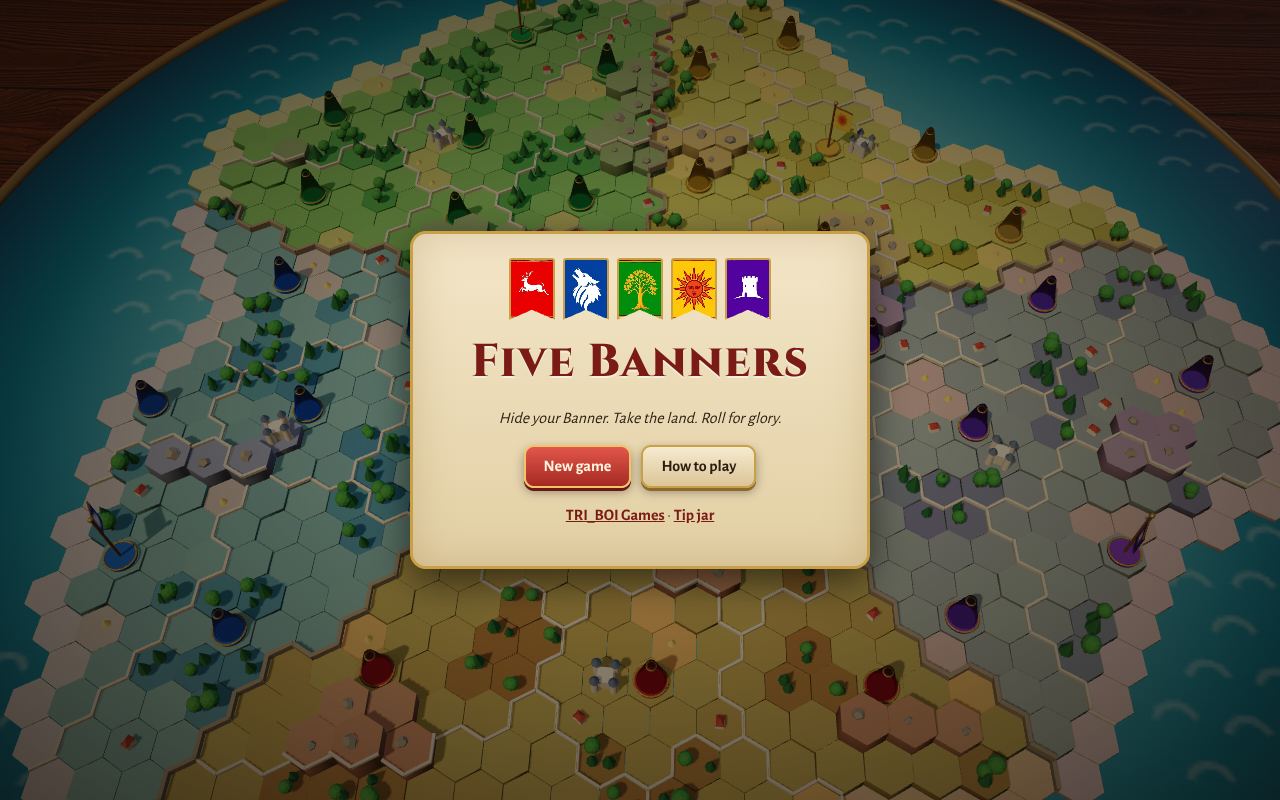
Five sides share an island laid out on a wooden table. Each one hides its Banner among its pieces, and nobody can see what an enemy piece is until it fights. Take land, recruit new pieces, and roll the dice in battle. Take a side's Banner and that side is out. The last Banner standing wins.
PLAY IT NOW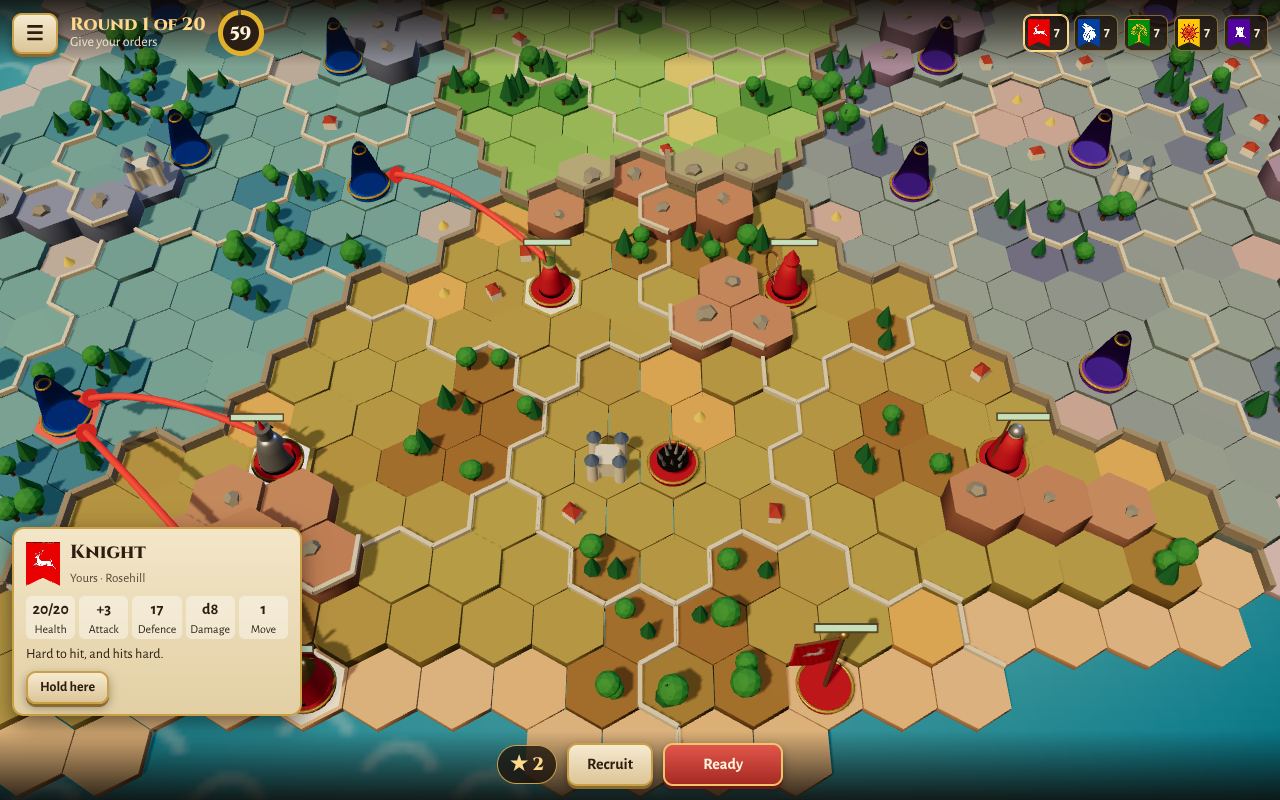
HOW TO PLAY
- Pick your army: choose seven pieces, any mix you like (only one Champion). They land on your home ground with your Banner, and you can tap two to swap them. Keep your Banner safe.
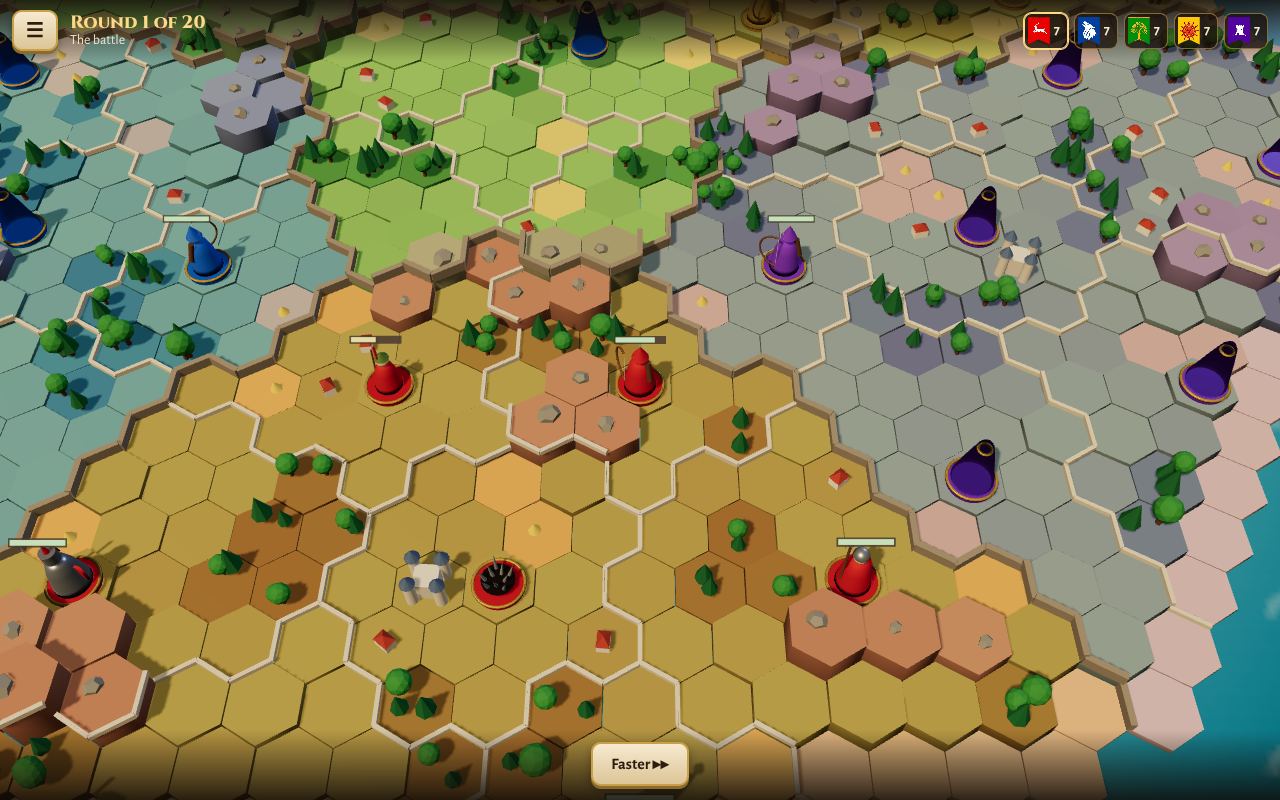
- Every round, everyone plans at once. Tap one of your pieces: the tiles it can reach light up, and enemies it can hit from where it stands are marked in red. Tap a tile to move, an enemy to attack, or both. Archers shoot up to six tiles away. Press Ready, or wait for the timer, and all the orders play out together.
- Battles use dice. Every piece's stats were rolled when it was made. The attacker swings first, then they take turns: a twenty-sided die plus Attack against the other piece's Defence, and a hit rolls damage.
- Ten kinds of piece: Banner, Champion, Knight, Soldier, Archer, Cleric, Shadow, Scout, Sapper and Trap, each with something special.
- Land and recruits: a territory is yours when only your pieces stand in it. The more land you hold, the more recruit points you earn each round to buy new pieces near your Banner.
- To win, take every other side's Banner, or hold the most land when the rounds run out (40 unless you pick another number).
- Moving the view: drag to turn the table, scroll or pinch to zoom.
Play against four computer players, or make a room online and share its code with up to four friends: empty seats are played by the computer. You can also sit back and watch five computer players battle it out.
PUT IT ON YOUR HOME SCREEN
The best way to play is from Five Banners's own icon on your desktop or home screen. It opens like an app, without the browser around it. Press Play it now first, then:
Windows or Chromebook (Chrome or Edge)
Click the Install button at the right of the address bar. Or open the browser's menu (⋮ or …) and choose Install Five Banners (in Edge: Apps, then Install this site as an app).
iPhone or iPad
In Safari, tap the Share button (a square with an arrow pointing up), then Add to Home Screen, then Add.
Android phone or tablet
In Chrome, tap the menu (⋮), then Add to Home screen or Install app.
Mac (Safari)
Choose File, then Add to Dock. (In Chrome or Edge on a Mac, use their Install button instead.)
Firefox on a computer
Firefox can't install games as apps. Bookmark the game instead, or open it in Chrome or Edge to install it.
WHERE IT WORKS
- Computers with a mouse or a touchpad: Windows, Mac, Chromebook, Linux.
- Phones and tablets, best held sideways.
- It needs a device that can show 3D in the browser (most from the last few years can).
FOR PARENTS
Every player is treated as under 13. There's no chat, and nobody types a name. Your child's name is a made-up one from their TRI_BOI player, like SwiftFox27, the same in every TRI_BOI game.
The battles are dice rolls between little painted figures: a beaten piece simply topples over. Nothing about your child is collected, and there are no ads or trackers. A game in progress is kept in the browser, and for a player on a TRI_BOI account it follows them to their other devices.
If your family enjoys our games, you can leave a tip. It's never needed to play.