FAIRYTALE CHESS
Chess on a wooden board ten squares wide, with three new pieces. The Dragon flies one or two squares any way or jumps like a Knight, and nothing can take it until it has taken a piece. The Unicorn moves like a Queen or jumps like a Knight. Chief Pawns stride three squares on their first move and can walk back. Checkmate the King to win. Or play Standard Chess on the usual board.
PLAY IT NOW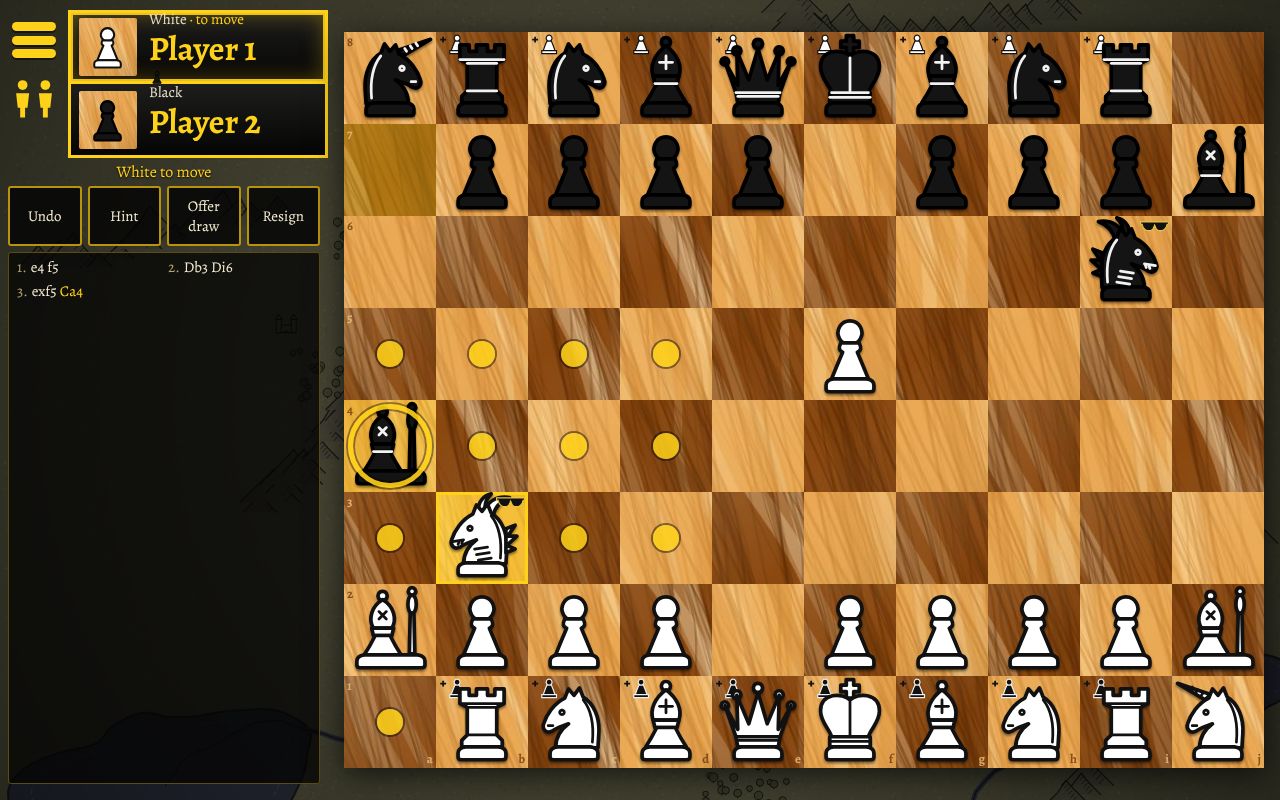
HOW TO PLAY
- Moving: tap or click one of your pieces to see where it can go, then tap a marked square. On a computer you can drag pieces too.
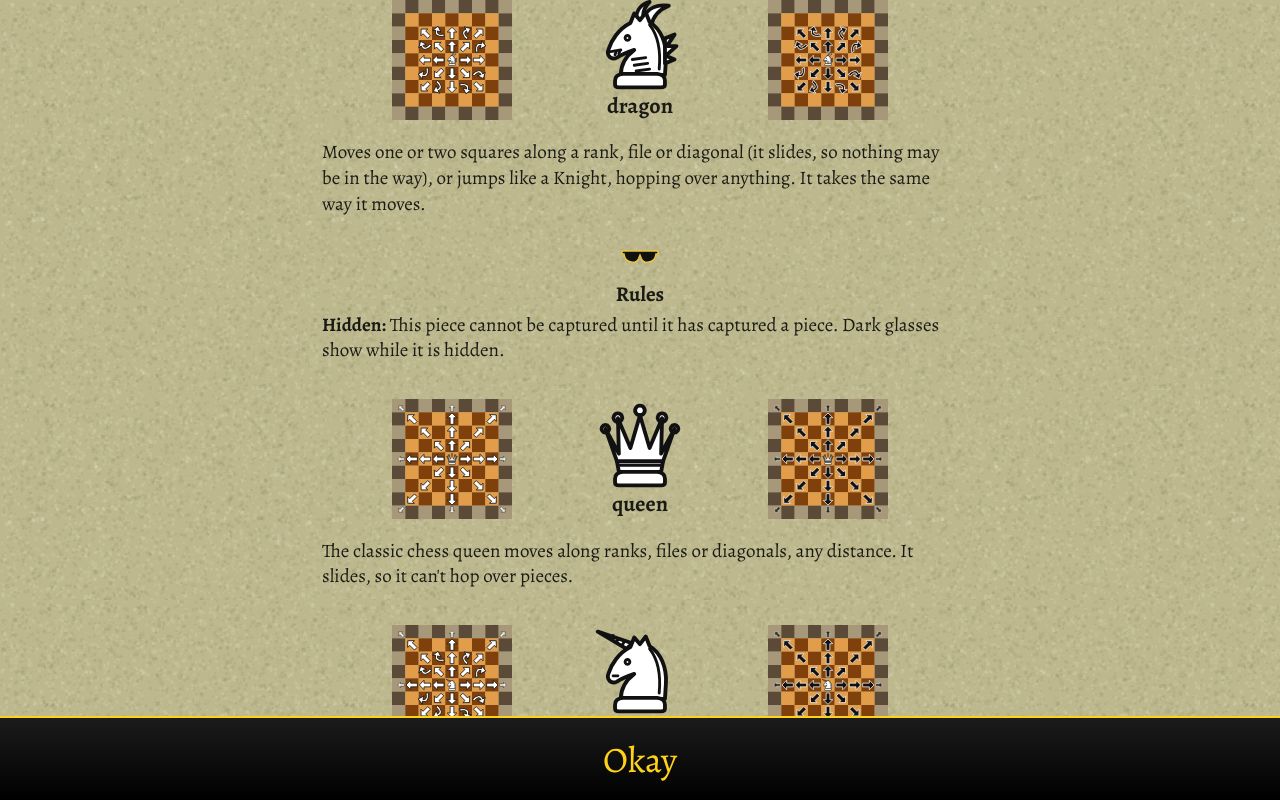
- The new pieces: the Dragon moves one or two squares any way, or jumps like a Knight. The Unicorn moves like a Queen, or jumps like a Knight to an empty square. A Chief Pawn moves one or two squares forward or back (three forward on its first move) and takes one or two squares diagonally.
- The Dragon is hidden (it wears dark glasses) until it takes a piece. Until then, nothing can take it.
- Promotion tiles: a Pawn that reaches a marked square on the far side becomes a Queen, Unicorn, Dragon, Rook, Bishop or Knight.
- Win by checkmating the other King. The rules guide in the game's menu shows every piece with diagrams.
Ways to play: against the computer (Easy, Normal, Hard or Expert), two players taking turns on one device, or online against one other player with a five-letter room code or a quick match.
PUT IT ON YOUR HOME SCREEN
The best way to play is from Fairytale Chess's own icon on your desktop or home screen. It opens like an app, without the browser around it. Press Play it now first, then:
Windows or Chromebook (Chrome or Edge)
Click the Install button at the right of the address bar. Or open the browser's menu (⋮ or …) and choose Install Fairytale Chess (in Edge: Apps, then Install this site as an app).
iPhone or iPad
In Safari, tap the Share button (a square with an arrow pointing up), then Add to Home Screen, then Add.
Android phone or tablet
In Chrome, tap the menu (⋮), then Add to Home screen or Install app.
Mac (Safari)
Choose File, then Add to Dock. (In Chrome or Edge on a Mac, use their Install button instead.)
Firefox on a computer
Firefox can't install games as apps. Bookmark the game instead, or open it in Chrome or Edge to install it.
WHERE IT WORKS
- Computers with a mouse: Windows, Mac, Chromebook, Linux.
- Phones and tablets, held upright.
- Against the computer and on one device it plays without the internet once loaded; online play needs a connection.
FOR PARENTS
Every player is treated as under 13. There's no chat: online, players can only send a few fixed messages like "Good luck!" and "Good game!". Nobody types a name. Your child's name is a made-up one from their TRI_BOI player, like SwiftFox27, the same in every TRI_BOI game, and it's the only thing another player sees.
Nothing about your child is collected. Settings and an unfinished game are kept only in their own browser, and there are no ads or trackers.
If your family enjoys our games, you can leave a tip. It's never needed to play.