FLIPZ
A carved stone board on a wizard's table, by candlelight. Every rune disc has a golden sun on one face and a silver moon on the other. Trap a line of the other side's discs between two of yours, and they all flip over to your side. When nobody can move, the side with more discs wins.
PLAY IT NOW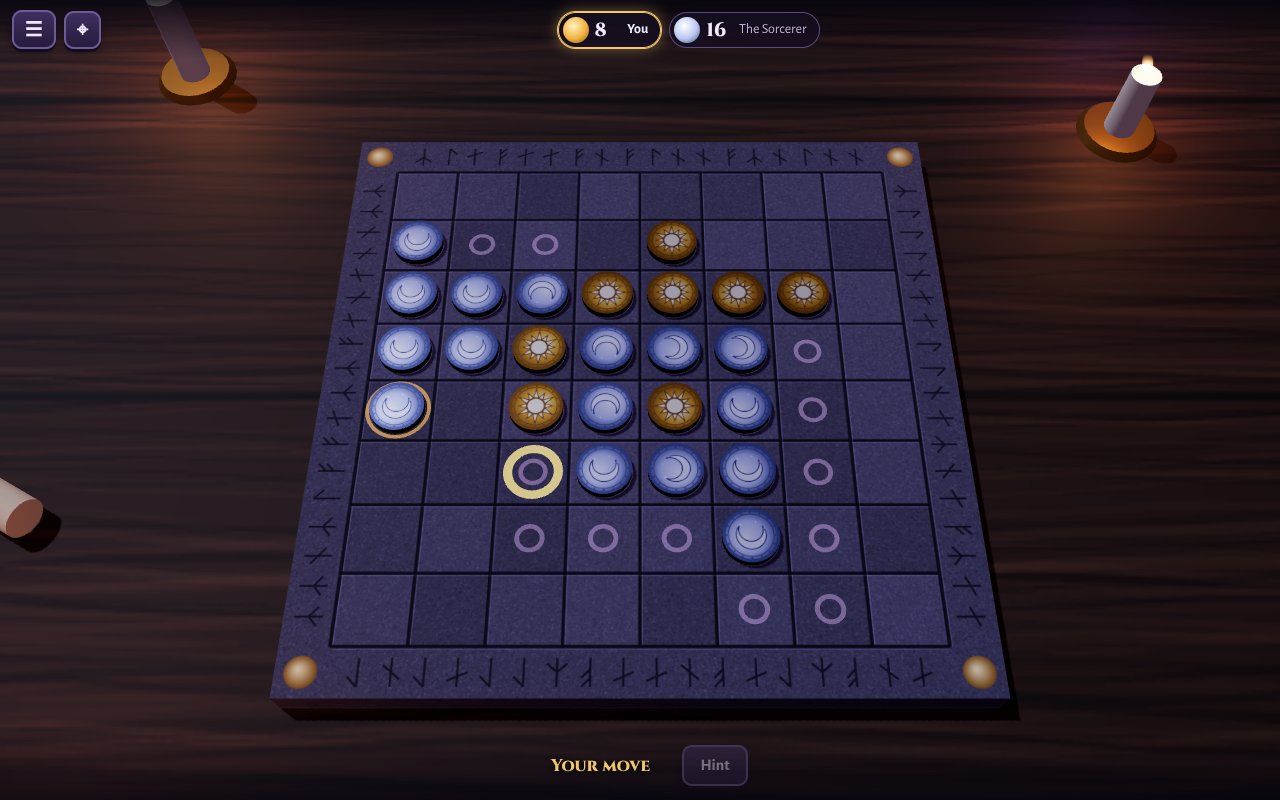
HOW TO PLAY
- Sun and Moon: each side starts with two discs in the middle of the board. The Sun moves first.
- A move places one of your discs so it traps a straight line of the other side's discs (across, up and down, or on the slant) between it and another of yours. Every disc in the line flips to your side. A move must flip at least one disc, and glowing rings show where you can play.
- No move? You pass. When neither side can move, the side with more discs wins.
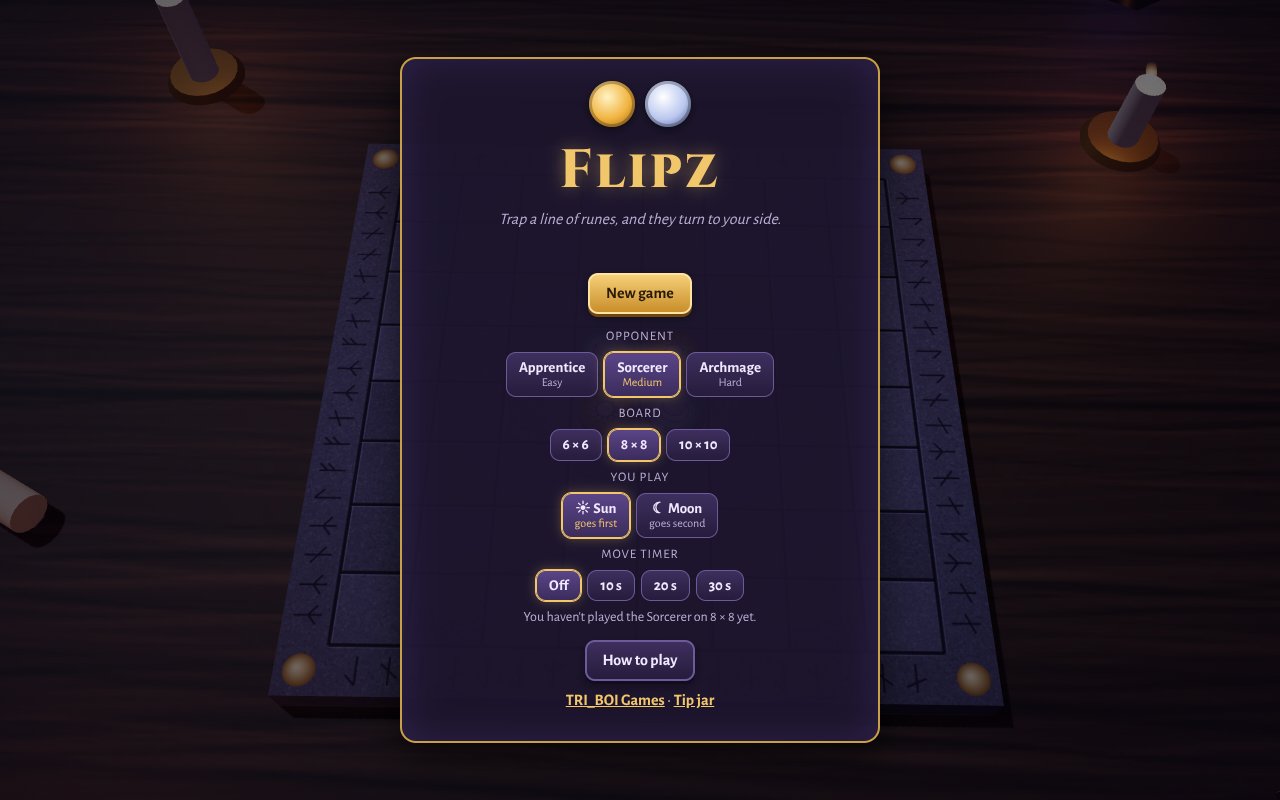
- Three opponents: the Apprentice (easy), the Sorcerer (medium) and the Archmage (hard, and very hard to beat).
- Three boards: 6 × 6 for a quick game, 8 × 8, or a big 10 × 10.
- Hint shows a good move against the Apprentice and the Sorcerer. There are no hints against the Archmage.
- Move timer: turn it on for 10, 20 or 30 seconds a move. If time runs out, a move is made for you.
- Play a friend online: make a room and tell your friend its four-letter code. A coin toss decides who is the Sun, and Play again swaps sides.
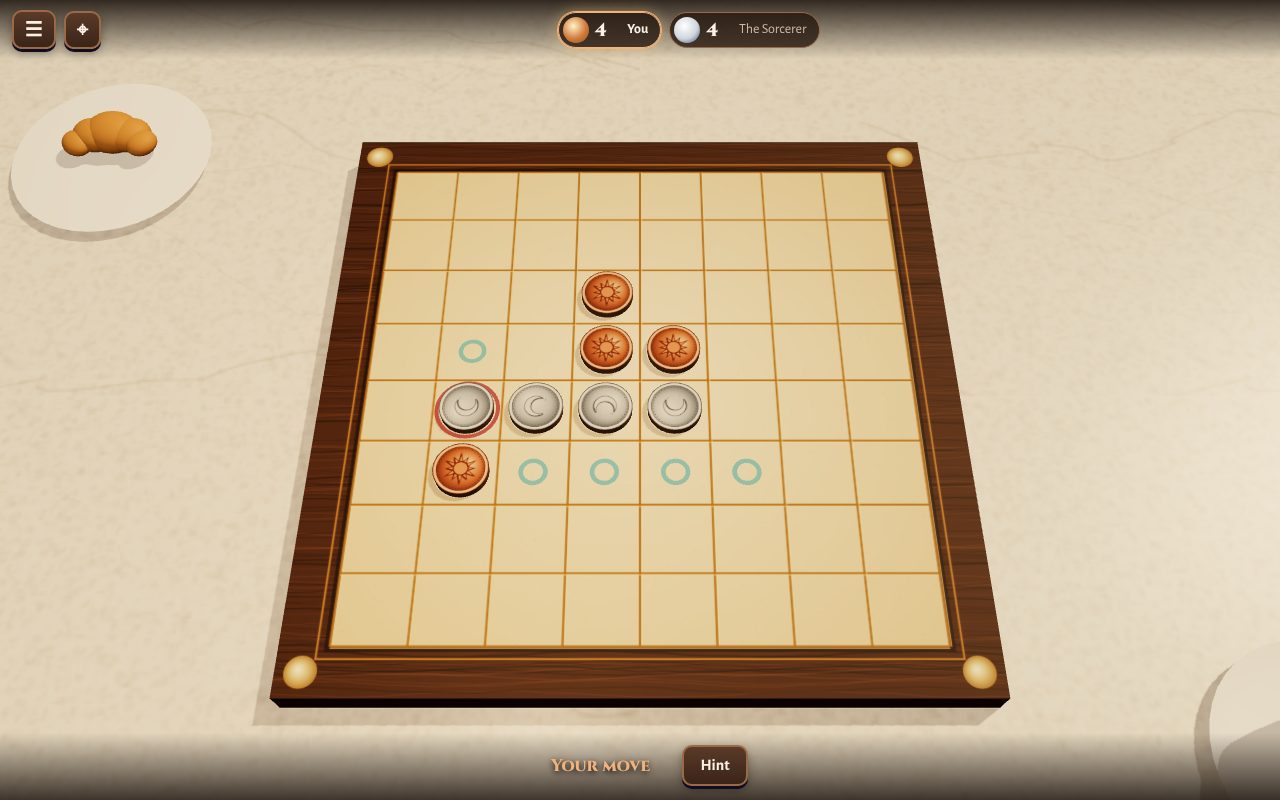
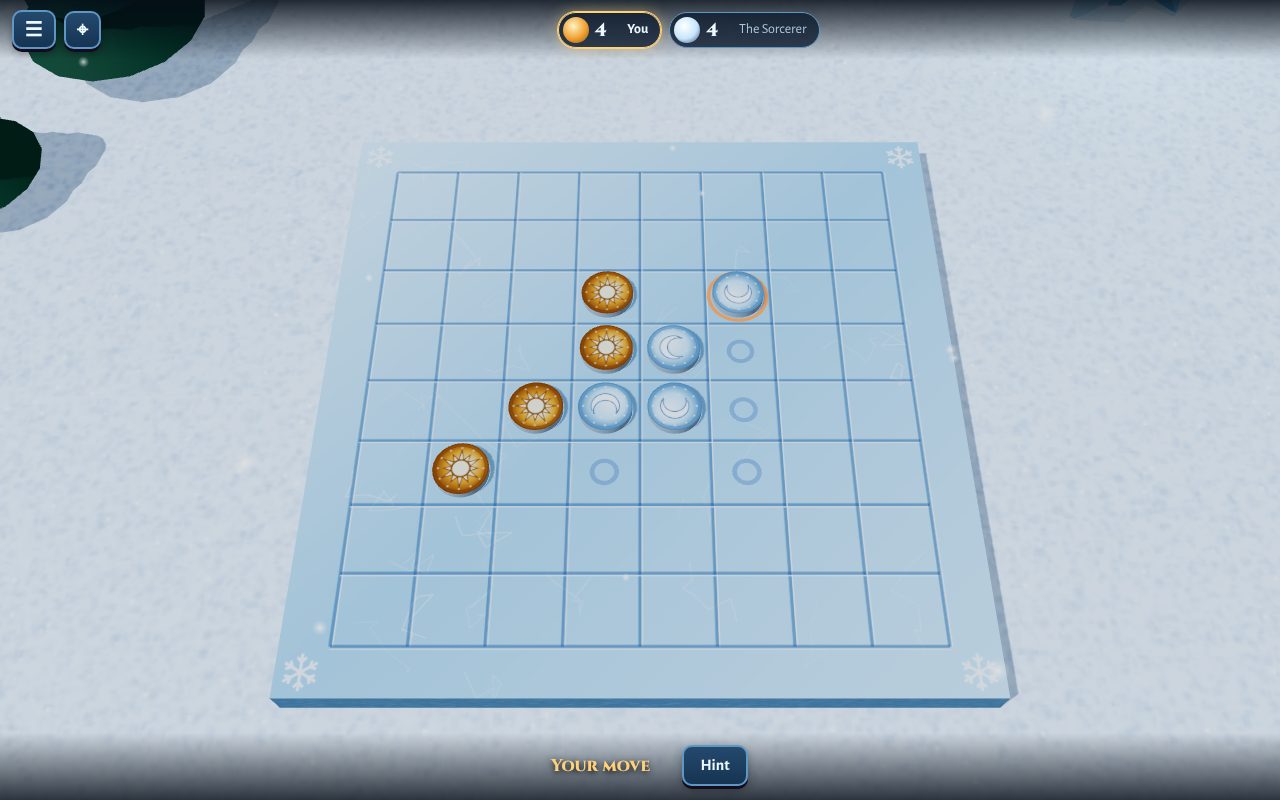
- Three tables: the wizard's table with rune discs, a café table with copper and silver coins, or the ice palace with amber and ice discs.
- Moving the view: drag to turn the table, scroll or pinch to zoom.
PUT IT ON YOUR HOME SCREEN
The best way to play is from Flipz's own icon on your desktop or home screen. It opens like an app, without the browser around it. Press Play it now first, then:
Windows or Chromebook (Chrome or Edge)
Click the Install button at the right of the address bar. Or open the browser's menu (⋮ or …) and choose Install Flipz (in Edge: Apps, then Install this site as an app).
iPhone or iPad
In Safari, tap the Share button (a square with an arrow pointing up), then Add to Home Screen, then Add.
Android phone or tablet
In Chrome, tap the menu (⋮), then Add to Home screen or Install app.
Mac (Safari)
Choose File, then Add to Dock. (In Chrome or Edge on a Mac, use their Install button instead.)
Firefox on a computer
Firefox can't install games as apps. Bookmark the game instead, or open it in Chrome or Edge to install it.
WHERE IT WORKS
- Computers with a mouse or a touchpad: Windows, Mac, Chromebook, Linux.
- Phones and tablets, either way up.
- It needs a device that can show 3D in the browser (most from the last few years can).
FOR PARENTS
Every player is treated as under 13. There's no chat, and nobody types a name. Your child's name is a made-up one from their TRI_BOI player, like SwiftFox27, the same in every TRI_BOI game.
Flipz is a calm board game of discs that flip over. Nothing about your child is collected, and there are no ads or trackers. A game in progress and their wins and losses are kept in the browser, and for a player on a TRI_BOI account they follow them to their other devices.
If your family enjoys our games, you can leave a tip. It's never needed to play.