FRONTLINE
A 3D team shooter set in Rustwater Yard, an abandoned industrial town of warehouses, shipping containers, a rail yard and a factory. Play in first or third person, against computer players or online with friends, and earn new weapons, attachments and outfits as you level up.
PLAY IT NOW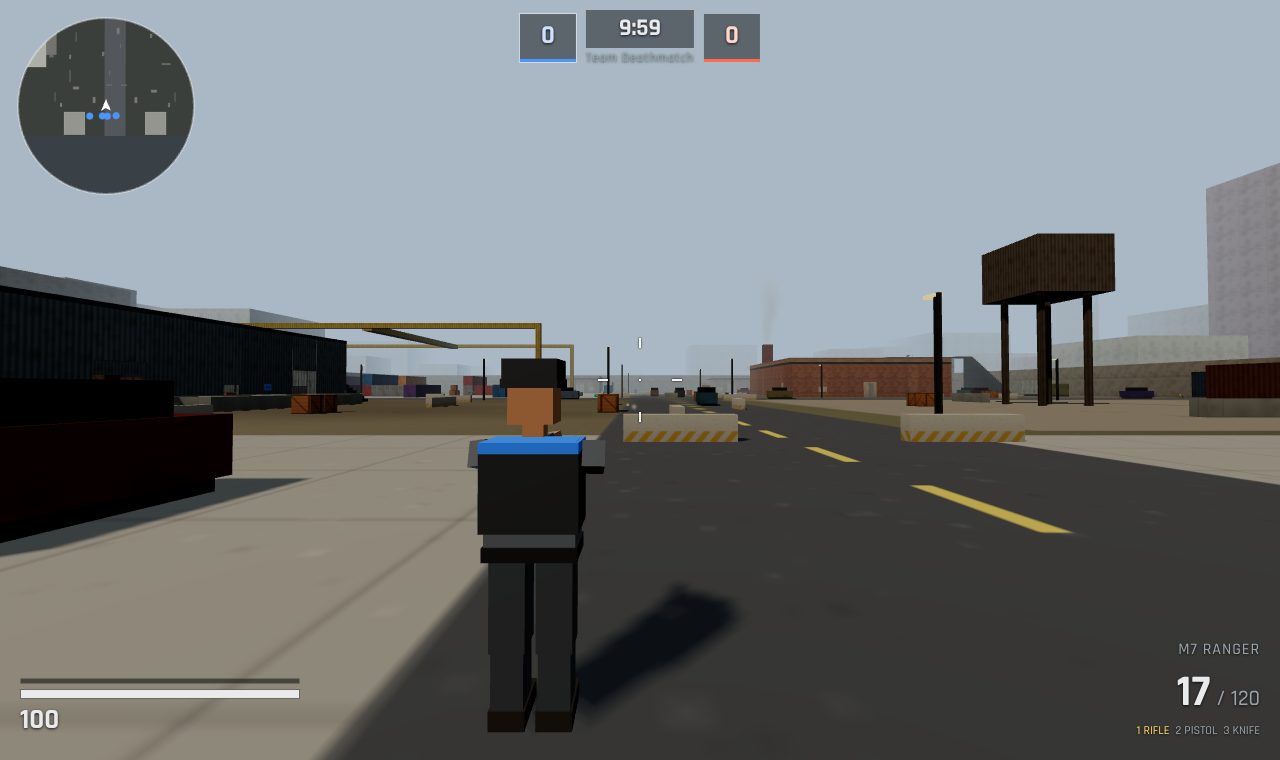
WHAT YOU DO
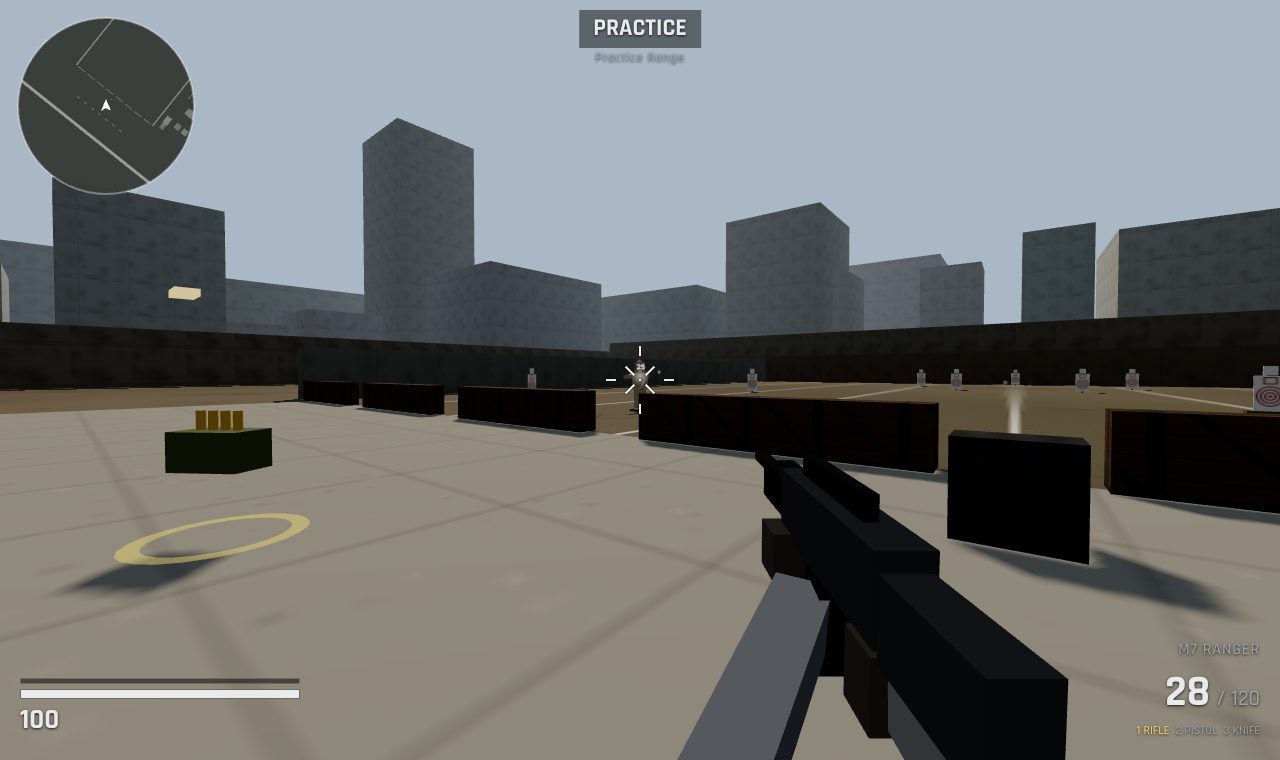
- Five ways to play: Team Deathmatch, Free-for-All, Domination (capture and hold three flags), Survival (hold out against waves of enemies, alone or together) and the Practice Range.
- Seven weapons: an assault rifle, an SMG, a shotgun, a scoped sniper rifle, a light machine gun, a pistol and a knife, each with its own feel. Add a red dot, a grip, a bigger magazine, a suppressor or a scope, and every attachment helps one thing and costs another.
- Computer players: on Easy, Normal or Hard. They patrol, hear shots, take cover and reload, and they can't see through walls.
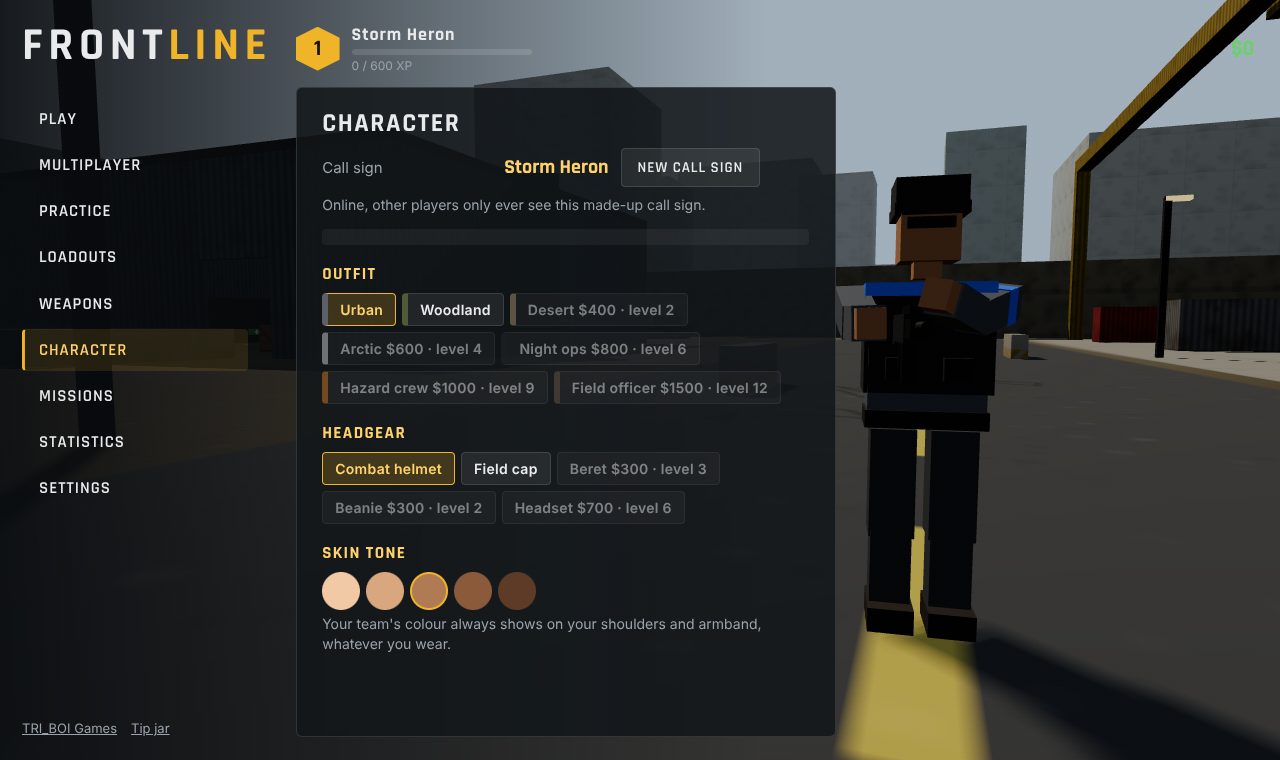
- Level up: earn XP and money for every match, finish daily and career missions, and unlock weapons, attachments, skins, outfits and headgear. Set up three loadouts and check your stats.
- Play online: quick play drops you into an open match, or host a room and share its 4-letter code. Up to 10 people play together, and computer players fill the empty places.
HOW TO PLAY
On a computer: move with W A S D and look with the mouse. Left click shoots and right click aims. R reloads, Space jumps, Shift sprints and C crouches. 1 to 4 change weapon, E picks things up and V switches between first and third person. Tab shows the scores and Esc pauses. Every key can be changed in Settings.
On a phone or tablet: the stick on the left moves, dragging on the right looks around, and there are buttons to shoot, aim, jump, crouch, reload and change weapon. You can move the buttons and make them bigger in Settings. Turn your phone sideways.
PUT IT ON YOUR HOME SCREEN
The best way to play is from FRONTLINE's own icon on your desktop or home screen. It opens like an app, full screen, without the browser around it. Press Play it now first, then:
Windows or Chromebook (Chrome or Edge)
Click the Install button at the right of the address bar. Or open the browser's menu (⋮ or …) and choose Install FRONTLINE (in Edge: Apps, then Install this site as an app).
iPhone or iPad
In Safari, tap the Share button (a square with an arrow pointing up), then Add to Home Screen, then Add.
Android phone or tablet
In Chrome, tap the menu (⋮), then Add to Home screen or Install app.
Mac (Safari)
Choose File, then Add to Dock. (In Chrome or Edge on a Mac, use their Install button instead.)
Firefox on a computer
Firefox can't install games as apps. Bookmark the game instead, or open it in Chrome or Edge to install it.
WHERE IT WORKS
- Computers with a keyboard and mouse: Windows, Mac, Chromebook, Linux.
- Phones and tablets, with a stick and buttons on the screen.
- Play offline against computer players, or online with up to 10 people (that needs an internet connection). Your level, unlocks and stats are saved in the browser on that device.
FOR PARENTS
Every player is treated as under 13. Online there's no chat: players can only send a few fixed signals, like "Follow me!" and "Nice shot!", and mark spots on the map. Your child never types a name: they get a made-up call sign like Swift Falcon, picked from word lists. Nothing about your child is collected, and there are no ads or trackers.
FRONTLINE is a shooting game with blocky soldiers. Nothing is gory: there's no blood, hits show as sparks and numbers, and a player who is knocked out drops and comes back a few seconds later.
If your family enjoys our games, you can leave a tip. It's never needed to play.