FRUIT BATTLES
A Devil Fruit battle game. Roll for fruits, make them stronger, unlock Haki, and win battles with the flip of a coin. Play a friend on the same device, or the computer.
PLAY IT NOW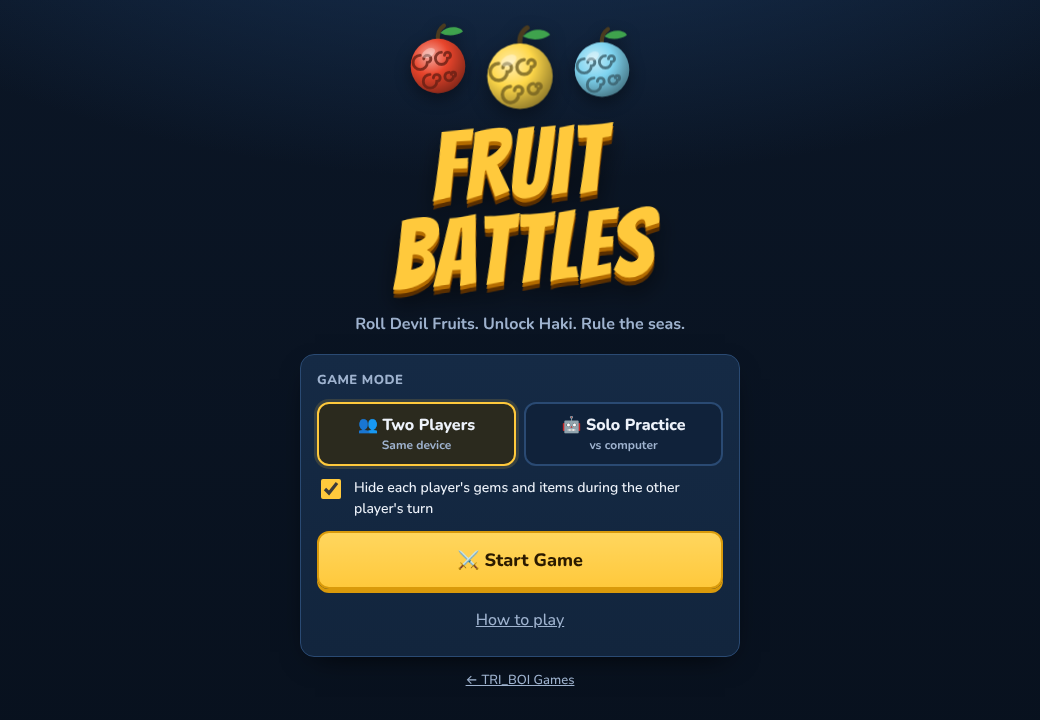
WHAT YOU DO
Two teams, the Cats and the Dogs, take turns. On your turn you can roll for fruits, train them and go shopping. Then press End Turn, or challenge the other team to a battle.
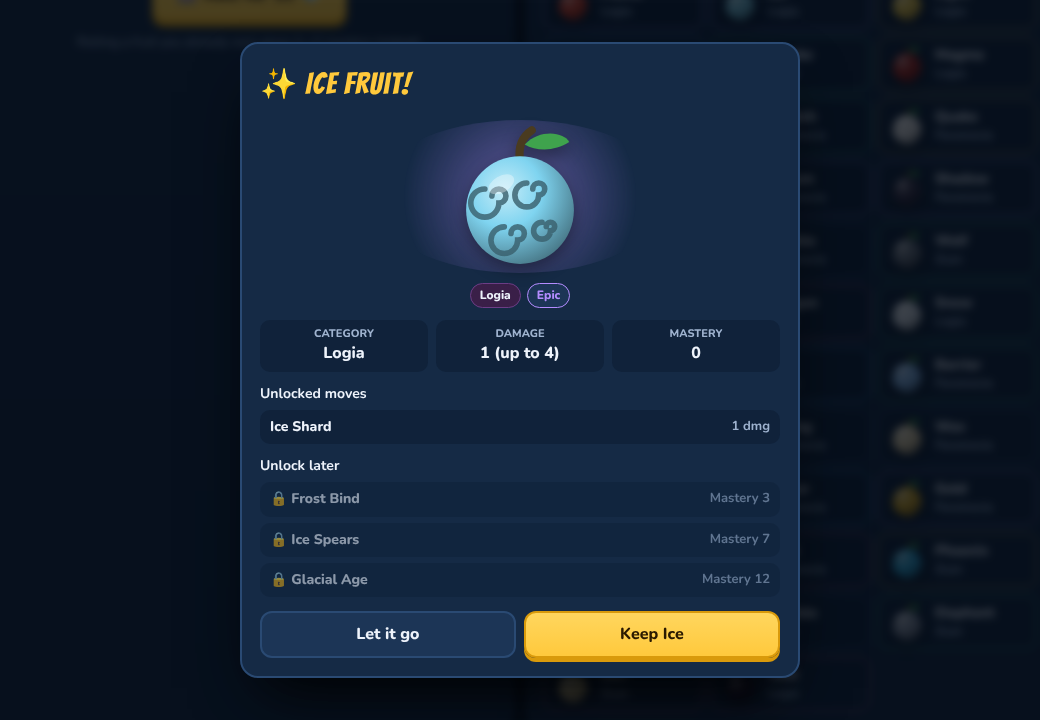
- Roll for Devil Fruits: a roll costs 50 gems. There are 38 fruits, from Common up to Mythical. You can hold two at first, and buy room for up to four. Roll one you already have and it gets stronger instead.
- Make them stronger: every fruit has four moves. Fruits that fight gain mastery, and more mastery unlocks bigger moves. You can also train a fruit for 20 gems, up to three times a turn.
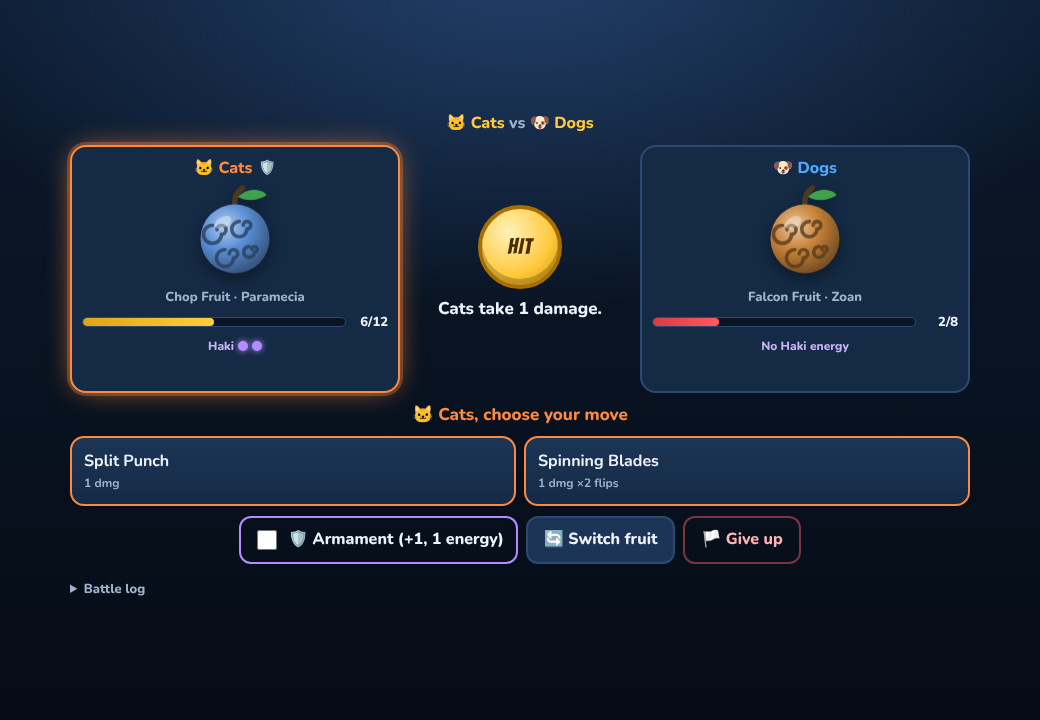
- Battle: pick a move and a coin flips. Heads hits, tails misses. Some moves burn, stun, heal you, flip twice or can't be dodged. Knock the other team down to 0 health to win 100 gems.
- Unlock Haki: put stat points into Haki, then buy Armament Haki (hit harder), Observation Haki (a flip to dodge) and Conqueror's Haki (a sure hit that stuns).
- Shop: health potions, Double Gems, Double EXP, stat points and more fruit slots. You can also remove a fruit for 50 gems, and the game always asks first.
- Two Players: two people share one phone, tablet or computer and pass it between turns. You can hide each player's gems and items during the other player's turn.
- Solo Practice: you play the Cats against the computer's Dogs, on Easy, Normal or Hard. The computer follows the same rules you do.
HOW TO PLAY
Everything is a tap or a click, so there are no keys to learn. Press Start Game, then use the tabs: Home (your stats, Haki and what's happened so far), Fruits, Train, Roll, Shop and Battle. On a phone the tabs are along the bottom.
Your health carries over from one battle to the next, so heal up before a fight. Rest on the Home tab heals 2 and ends your turn, or buy a potion. A team that gets knocked out wakes up with 1 health.
The game's ? button has all the rules.
PUT IT ON YOUR HOME SCREEN
The best way to play is from Fruit Battles' own icon on your desktop or home screen. It opens like an app, full screen, without the browser around it. Press Play it now first, then:
Windows or Chromebook (Chrome or Edge)
Click the Install button at the right of the address bar. Or open the browser's menu (⋮ or …) and choose Install Fruit Battles (in Edge: Apps, then Install this site as an app).
iPhone or iPad
In Safari, tap the Share button (a square with an arrow pointing up), then Add to Home Screen, then Add.
Android phone or tablet
In Chrome, tap the menu (⋮), then Add to Home screen or Install app.
Mac (Safari)
Choose File, then Add to Dock. (In Chrome or Edge on a Mac, use their Install button instead.)
Firefox on a computer
Firefox can't install games as apps. Bookmark the game instead, or open it in Chrome or Edge to install it.
WHERE IT WORKS
- Phones and tablets: just tap.
- Computers: Windows, Mac, Chromebook, Linux. A mouse or touchpad is all you need.
- Your game saves by itself after every move, in the browser on that device. It keeps one game at a time.
FOR PARENTS
Every player is treated as under 13. Fruit Battles has no online play, no chat and no accounts, and nobody types anything: the players are just Player 1 and Player 2 (or the computer), as the Cats and the Dogs. Nothing about your child is collected. The game is saved only in the browser on your device, and isn't sent anywhere.
The fighters are drawn as fruits, and every hit is decided by a coin flip, so there's nothing gory. Devil Fruits and Haki are ideas from the One Piece comics and cartoons. Fruit Battles is our own game, and isn't made by or connected to One Piece.
If your family enjoys our games, you can leave a tip. It's never needed to play.