GRAND TIDES
A 3D pirate adventure on the open sea. Make your pirate, sail between twelve islands, find very rare Mythfruits, master great blades and the three kinds of Will, and beat thirteen bosses on the way from level 1 to level 500.
PLAY IT NOW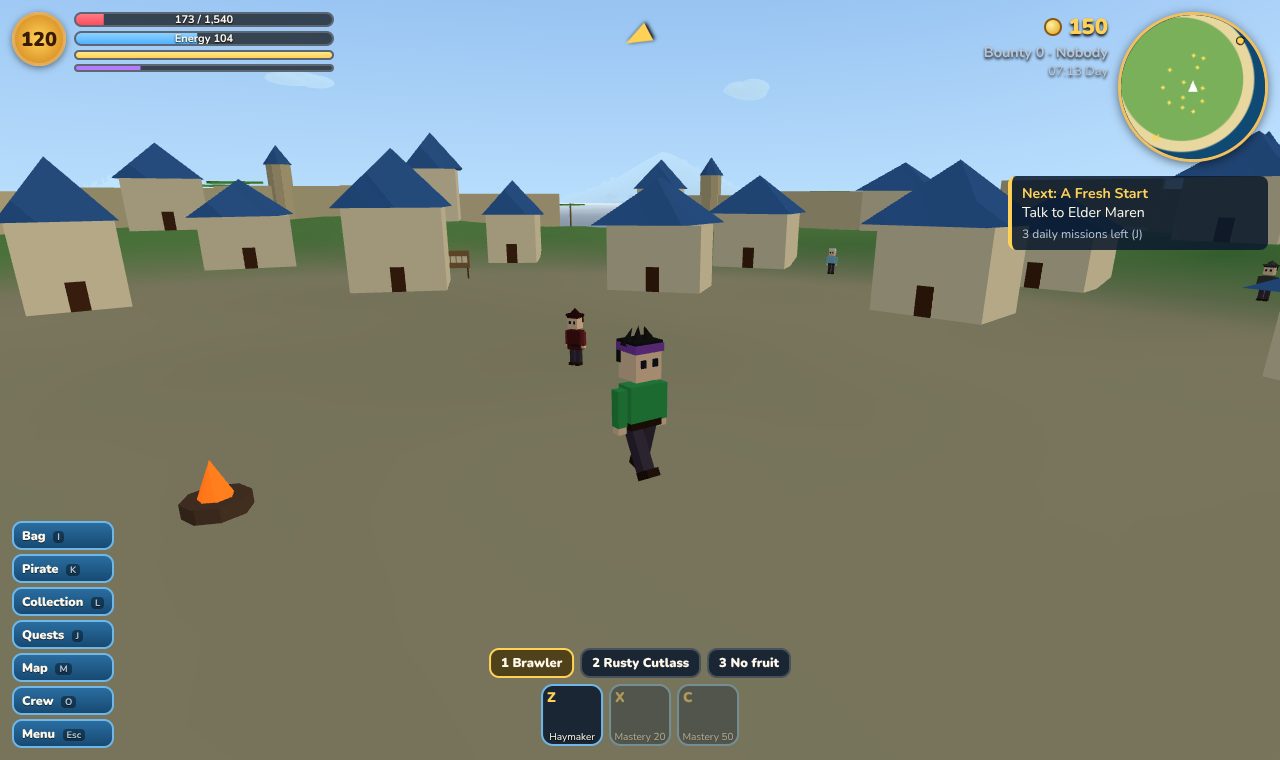
WHAT YOU DO
- Make your pirate: pick a name from our word lists, your look, one of five races (two more very rare ones are found later), and whether you sail with the Pirates or the Naval Authority.
- Sail twelve islands: a fishing village, a red jungle, a volcano, a frozen isle, a great port city, a storm-wrapped atoll, a sunken kingdom, a moonlit island, a navy fortress, a forgotten throne and a secret reef, each with its own enemies, towns, caves, chests and boss.
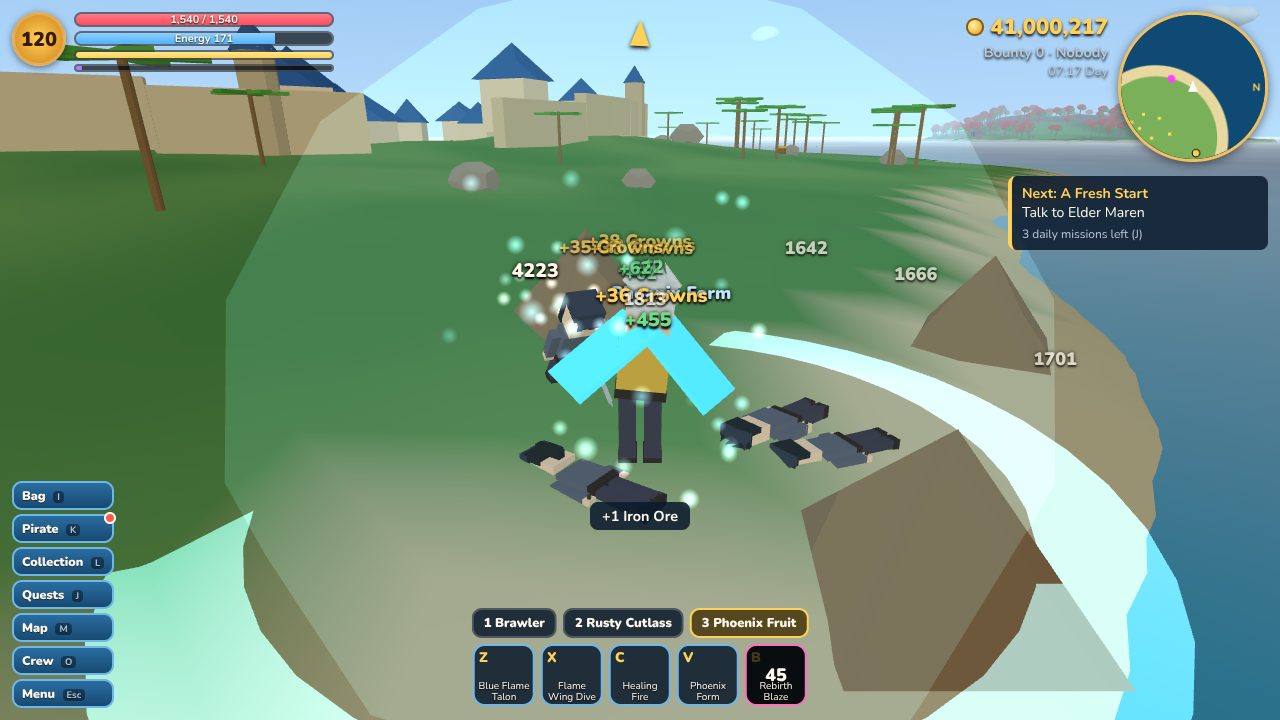
- Find Mythfruits: fifty-five of them in five classes, from common Beasts to very rare Mythic Beasts. Each has a passive, four skills and an ultimate that unlock as you master it. They are rare on purpose, and if you eat one you can't swim anymore.
- Fight your way: eight fighting styles, ten great blades (two of them Obsidian Blades that only a long quest can give you), and the three kinds of Will. Block, parry, dodge, and watch the ground for red warnings before a boss strikes.
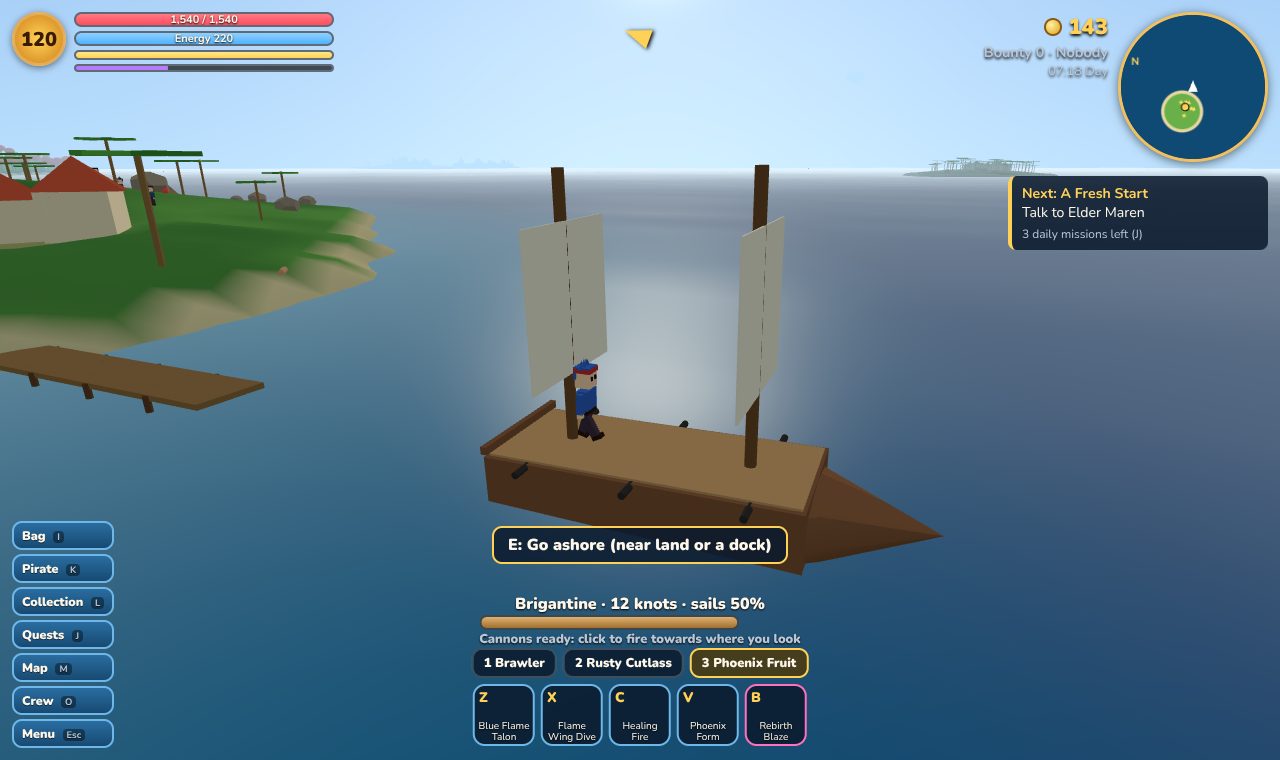
- Ships and quests: a rowboat to start, four bigger ships to buy and upgrade, cannon battles at sea, fifty quests and three new daily missions every day.
- Alone for now: Grand Tides plays alone, and saves in your browser. Sailing with friends is planned.
HOW TO PLAY
On a computer: walk with W A S D, click the game and turn the camera with the mouse. Left click attacks and holding right click charges a heavy attack. Q dodges, F blocks and E talks, opens things and boards your ship. 1 2 3 pick your fighting style, sword or Mythfruit, and Z X C V B use their skills. I opens your bag, K your pirate, L the collection, J quests, M the map and Esc the menu.
On a phone or tablet: drag on the left side to walk and sail, drag on the right side to look around, and use the buttons to attack, dodge, block and use skills.
Follow the yellow arrow to your next quest. Elder Maren in Driftwood Haven is waiting for you.
PUT IT ON YOUR HOME SCREEN
The best way to play is from Grand Tides' own icon on your desktop or home screen. It opens like an app, full screen, without the browser around it. Press Play it now first, then:
Windows or Chromebook (Chrome or Edge)
Click the Install button at the right of the address bar. Or open the browser's menu (⋮ or …) and choose Install Grand Tides (in Edge: Apps, then Install this site as an app).
iPhone or iPad
In Safari, tap the Share button (a square with an arrow pointing up), then Add to Home Screen, then Add.
Android phone or tablet
In Chrome, tap the menu (⋮), then Add to Home screen or Install app.
Mac (Safari)
Choose File, then Add to Dock. (In Chrome or Edge on a Mac, use their Install button instead.)
Firefox on a computer
Firefox can't install games as apps. Bookmark the game instead, or open it in Chrome or Edge to install it.
WHERE IT WORKS
- Computers with a keyboard and mouse: Windows, Mac, Chromebook, Linux. It's a 3D game, so a newer computer runs it more smoothly; pick Low graphics in Settings on an older one.
- Phones and tablets, with a stick and buttons on the screen.
- It plays alone. Your game is saved in the browser on that device, by itself every 30 seconds.
FOR PARENTS
Every player is treated as under 13. Grand Tides is played alone and has no chat. Your child's pirate name is picked from word lists, never typed, and stays in the browser on their own device. Nothing about your child is collected, and there are no ads or trackers.
There is fighting with fists, swords, cannons and fruit powers, in a bright cartoon style. Nothing is gory: a pirate who is knocked out wakes up again at their home harbour.
If your family enjoys our games, you can leave a tip. It's never needed to play.