MINICRAFT
A top-down survival and crafting game. Chop trees, dig, build better and better tools, explore the caves, and climb to the sky to beat the Air Wizard. Play alone or with friends.
PLAY IT NOW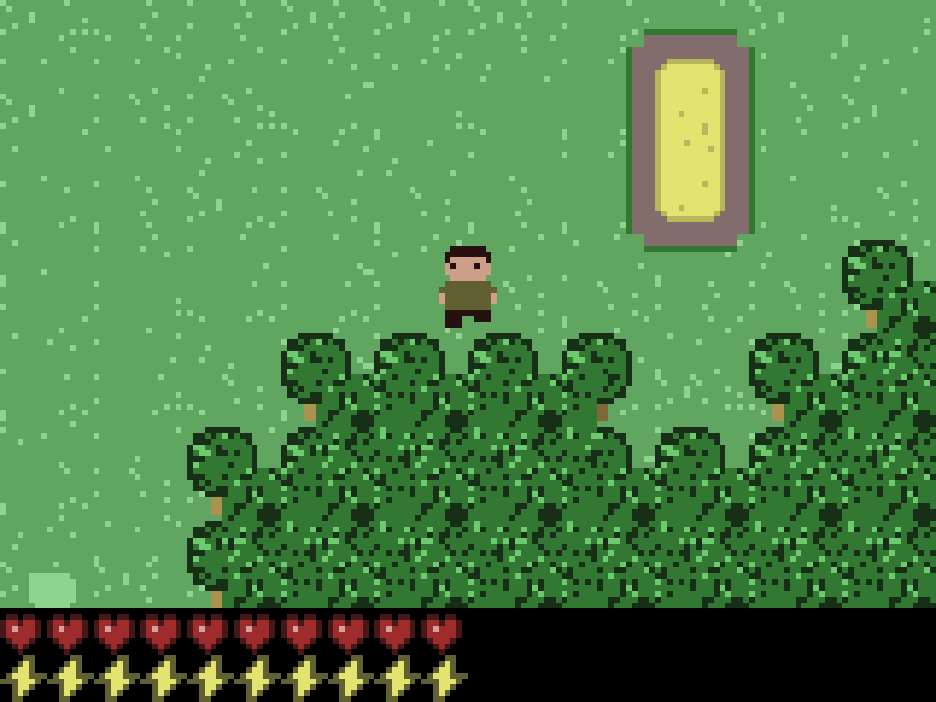
WHAT YOU DO
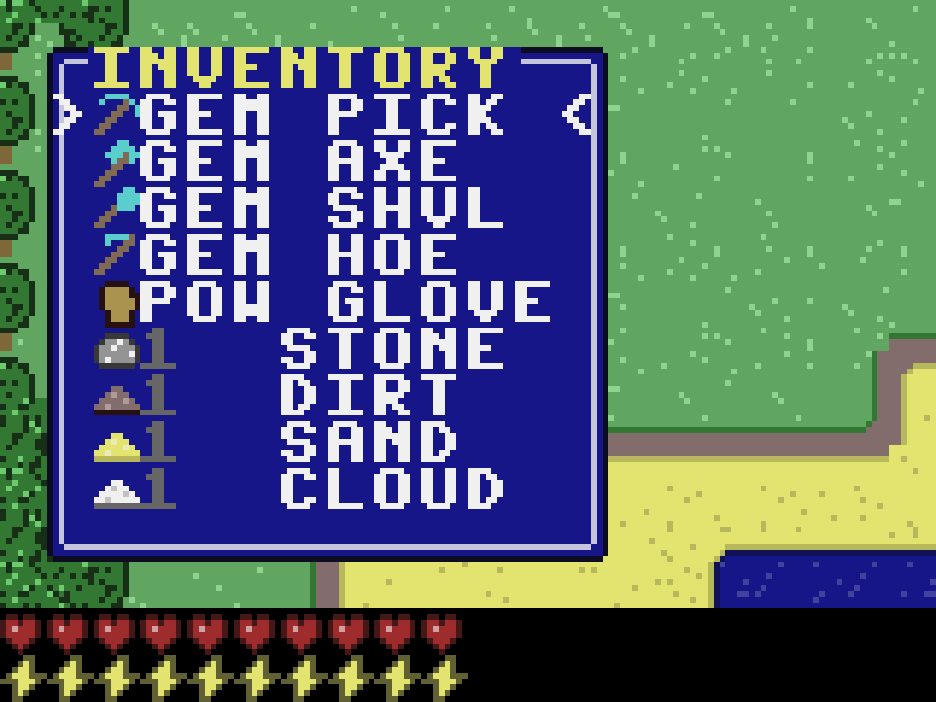
Our remake of Minicraft, the little 2011 game. You start with a workbench and nothing in your hands. Punch a tree for wood, put the workbench down, and craft wooden tools. Then work your way up: rock, iron, gold and gem tools, each better than the last.
- Survive: zombies and slimes come out, and every swing costs stamina. Eat to heal.
- Farm and build: till the ground, plant seeds, bake bread, and furnish a home with chests, ovens, furnaces and anvils.
- Explore: the caves go three levels down, and they're dark, so bring a lantern. The sky is where the Air Wizard waits.
- Build mode: a world just for building, with no monsters and nothing that hurts you, and everything you need from the start.
- With friends: one player hosts a world and gets a four-letter room code. Up to eight friends join with the code, on their own phones or computers.
HOW TO PLAY
On a computer: walk with W A S D or the arrow keys, use what's in your hand with C or Space, open your pack (or a chest or workbench you're next to) with X or E, and pause with Esc.
On a phone or tablet: controls appear on the screen by themselves: a thumb pad to walk, and C and X buttons. Turn on TILT to walk by leaning the phone.
The game's Controls screen has the rest.
PUT IT ON YOUR HOME SCREEN
The best way to play is from Minicraft's own icon on your desktop or home screen. It opens like an app, full screen, without the browser around it. Press Play it now first, then:
Windows or Chromebook (Chrome or Edge)
Click the Install button at the right of the address bar. Or open the browser's menu (⋮ or …) and choose Install Minicraft (in Edge: Apps, then Install this site as an app).
iPhone or iPad
In Safari, tap the Share button (a square with an arrow pointing up), then Add to Home Screen, then Add.
Android phone or tablet
In Chrome, tap the menu (⋮), then Add to Home screen or Install app.
Mac (Safari)
Choose File, then Add to Dock. (In Chrome or Edge on a Mac, use their Install button instead.)
Firefox on a computer
Firefox can't install games as apps. Bookmark the game instead, or open it in Chrome or Edge to install it.
WHERE IT WORKS
- Computers with a keyboard: Windows, Mac, Chromebook, Linux.
- Phones and tablets, with the controls on the screen.
- Your world is saved in the browser on that device.
FOR PARENTS
Every player is treated as under 13. There's no chat, and nobody types a name: in a room with friends, players only see made-up game names like SwiftFox27, or "A friend". Nothing about your child is collected; the game is saved in the browser on your device. Rooms are only joined by sharing a four-letter code.
If your family enjoys our games, you can leave a tip. It's never needed to play.