PAINT PARTY
Race around the arena and paint the floor your colour. Splat paint everywhere, grab power-ups, and paint over everyone else. When the time runs out, whoever has painted the most floor wins. Play with friends, or practise with bots.
PLAY IT NOW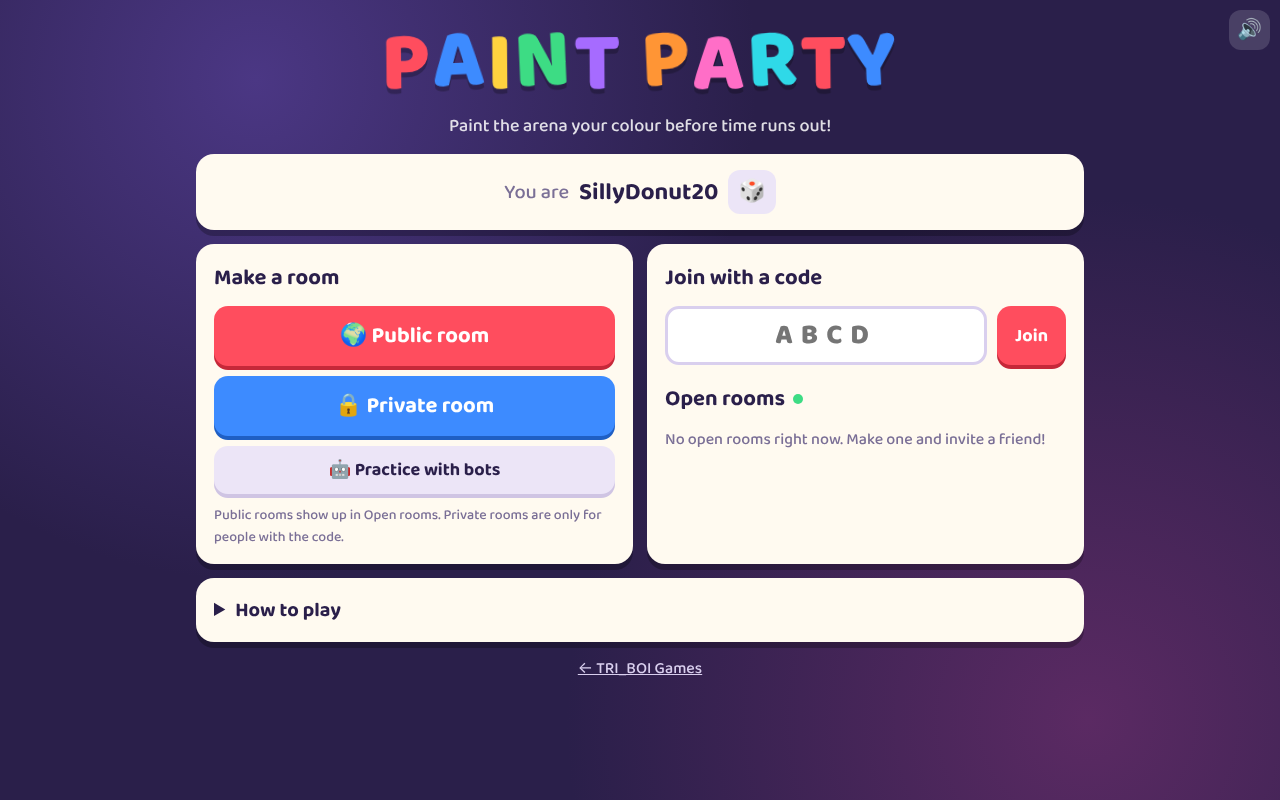
WHAT YOU DO
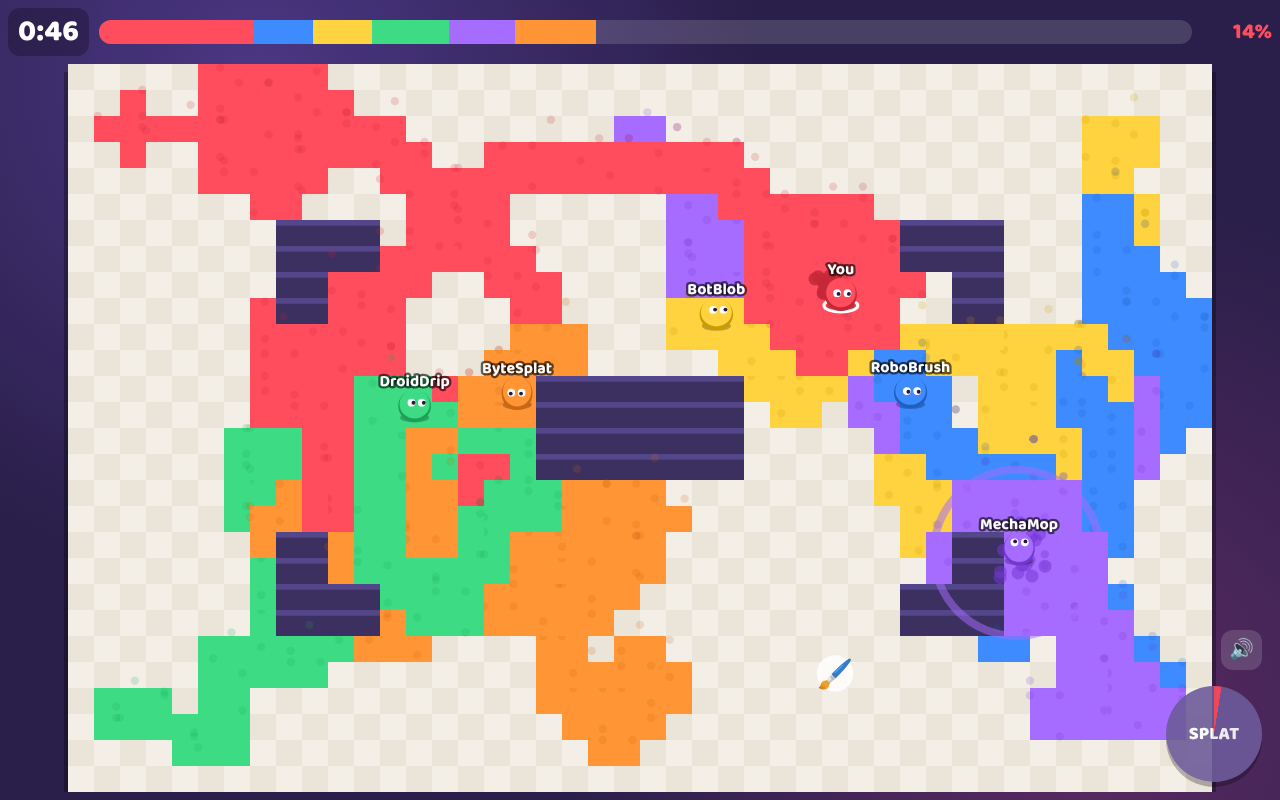
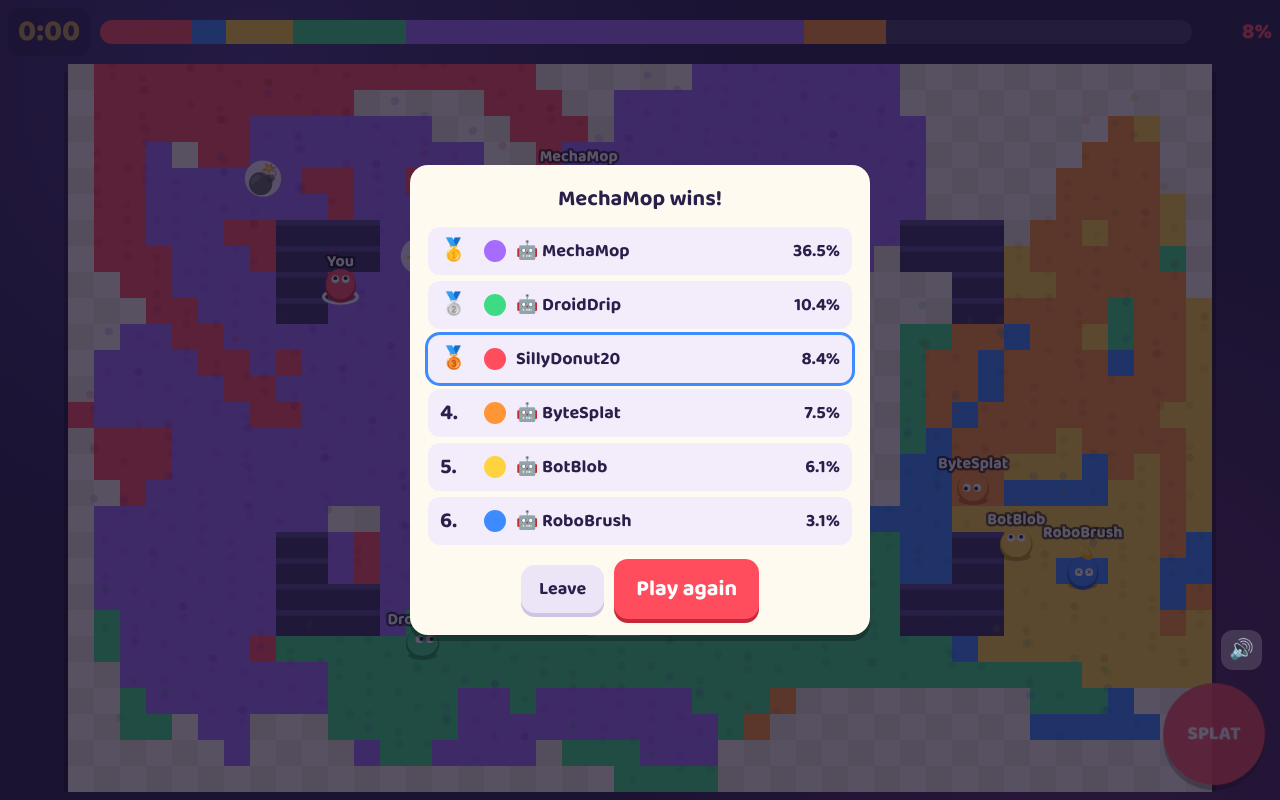
You're a blob, and wherever you go, you paint the floor your colour. Run over someone else's paint to make it yours. The bar along the top shows who has painted the most. When the timer reaches zero, the player with the most floor wins.
- Splat: burst paint in a big circle around you. Anyone close by is frozen for a moment. It takes 4 seconds to charge up again.
- Power-ups: ⚡ Speed makes you faster for a few seconds. 🖌️ Big Brush paints a wider trail. 💣 Paint Bomb paints a huge circle the moment you grab it.
- Rooms: up to eight players. A public room shows up in everyone's Open rooms list, so anyone can join. A private room can only be joined with its four-letter room code, or the invite link.
- Bots: Practice with bots makes a private room with three bots in it. You can add more bots or take them away. If a friend joins a full room, they take a bot's place.
- The host: whoever made the room (👑) picks the round (1 minute, 1:30 or 2 minutes) and the map (Plaza, Pillars, Maze or Open), and presses Start. You need at least two players, so add a bot if you're on your own. If the host leaves, someone else becomes the host.
HOW TO PLAY
On a computer: move with W A S D or the arrow keys, and Splat with Space.
On a phone or tablet: put your thumb down anywhere on the arena and slide it the way you want to go. Tap the big SPLAT button in the corner. On a tall phone, the arena turns on its side to fill the screen.
The How to play box on the game's first screen has the rest.
PUT IT ON YOUR HOME SCREEN
The best way to play is from Paint Party's own icon on your desktop or home screen. It opens like an app, without the browser around it. Press Play it now first, then:
Windows or Chromebook (Chrome or Edge)
Click the Install button at the right of the address bar. Or open the browser's menu (⋮ or …) and choose Install Paint Party (in Edge: Apps, then Install this site as an app).
iPhone or iPad
In Safari, tap the Share button (a square with an arrow pointing up), then Add to Home Screen, then Add.
Android phone or tablet
In Chrome, tap the menu (⋮), then Add to Home screen or Install app.
Mac (Safari)
Choose File, then Add to Dock. (In Chrome or Edge on a Mac, use their Install button instead.)
Firefox on a computer
Firefox can't install games as apps. Bookmark the game instead, or open it in Chrome or Edge to install it.
WHERE IT WORKS
- Computers with a keyboard: Windows, Mac, Chromebook, Linux.
- Phones and tablets, with the controls on the screen.
- It needs the internet. Every round is played in a room on our server, even practice with bots.
- There's nothing to save: every round starts with a clean floor.
FOR PARENTS
Every player is treated as under 13. There's no chat, and nobody types a name: the game makes one up from word lists, like SplashyOtter42, and players can roll the dice for another. Other players only ever see these made-up names. The only thing a player types is a four-letter room code, and nobody else sees it.
There are no accounts, and nothing about your child is collected. The game remembers only its made-up name and whether the sound is on, in the browser on your device. Our server keeps a room only while people are in it, and forgets it as soon as everyone leaves.
Public rooms are listed for anyone playing to see and join. To play only with people you know, choose a private room: it can only be joined with its code or invite link.
If your family enjoys our games, you can leave a tip. It's never needed to play.