PAINT PARTY 3D
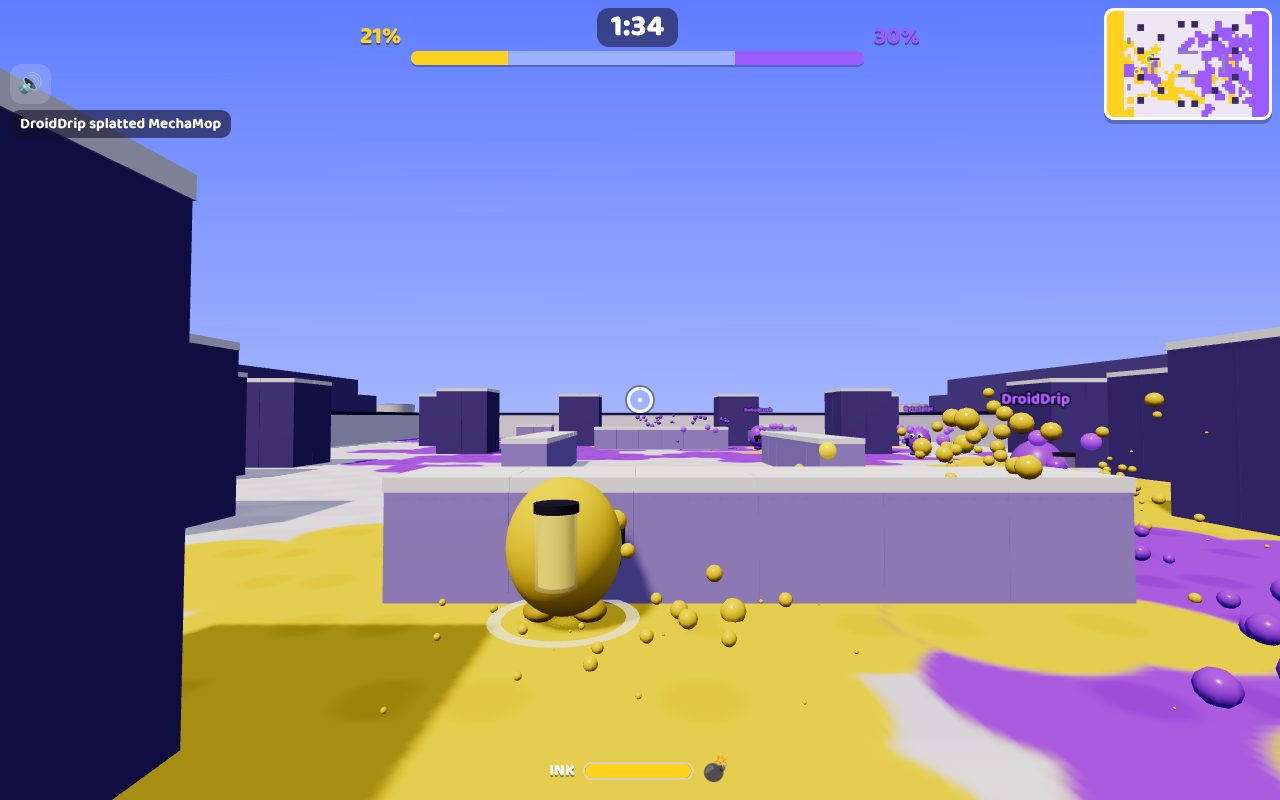
Paint Party in 3D, with ink guns. Two teams of up to four run around an arena spraying ink. Wherever it lands, the floor turns your team's colour. Splat the other team, jump onto walls, throw ink bombs, and when the timer runs out, the team with the most floor painted wins. Earn coins as you paint to buy new ink weapons and abilities, and grab power-ups on the floor. Play friends online with a room code, or practise against bots.
PLAY IT NOW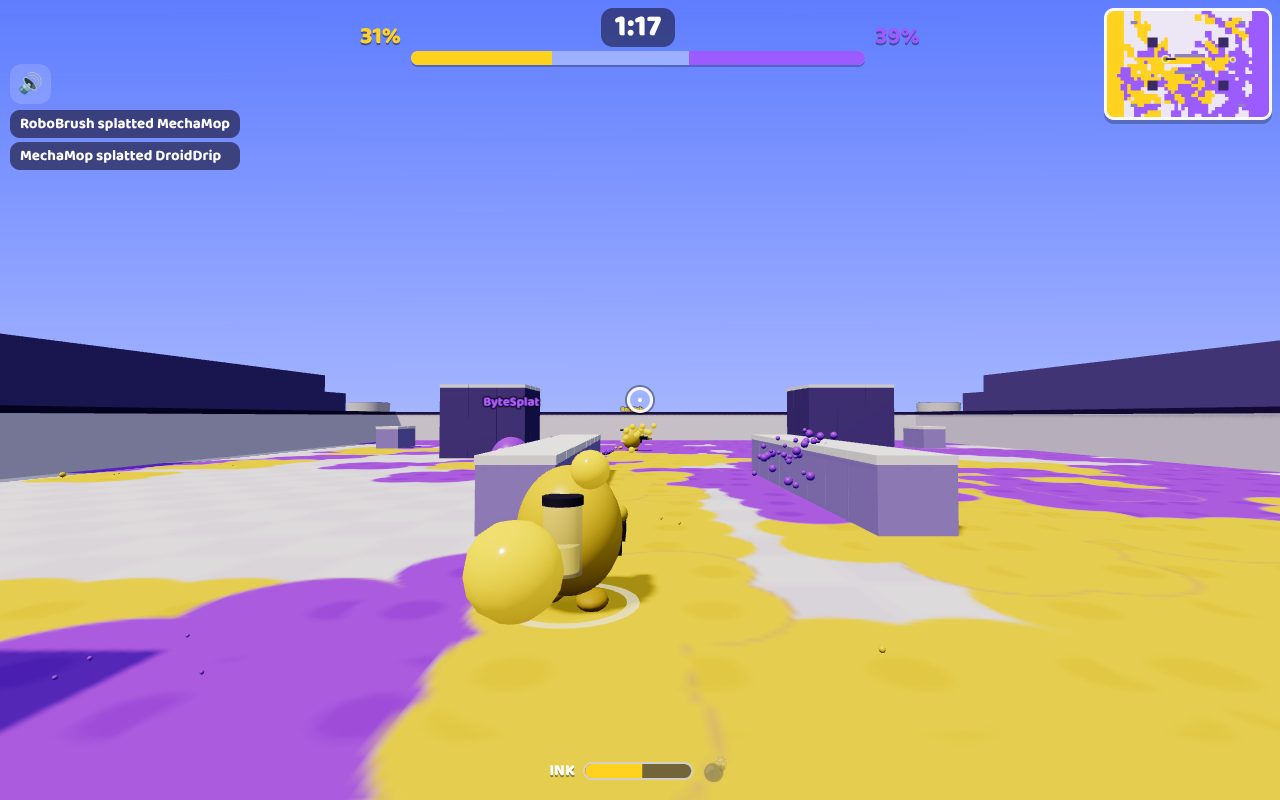
HOW TO PLAY
- On a computer: click the game to aim with the mouse. Move with WASD or the arrow keys, hold the left mouse button to shoot ink, press Space to jump, Q or the right button to throw an ink bomb, E to use your ability and B to open the shop. Press 1 to 6 for emotes, and Esc to let go of the mouse.
- On a phone or tablet: drag on the left side to move and on the right side to aim. Hold SHOOT to spray ink (slide your thumb on it to aim as you go), and tap JUMP or the bomb.
- Your ink tank is on your back. It refills when you let go of the trigger, twice as fast standing on your team's ink.
- Your team's ink makes you faster. The other team's slows you down.
- Four hits splat a player. They burst into your colour and are back at their base three seconds later.
- Ink bombs paint a big circle and hurt the other team nearby.
- Coins and the shop: you earn coins by painting and splatting. Spend them in your base on 15 ink weapons, from the Squirt Pistol to the Comet, and on abilities like the Ink Dash and the Ink Shield. What you buy lasts for the round.
- Power-ups appear on the floor: Speed, Power, Ink and Armour. Run over one and it lasts a minute.
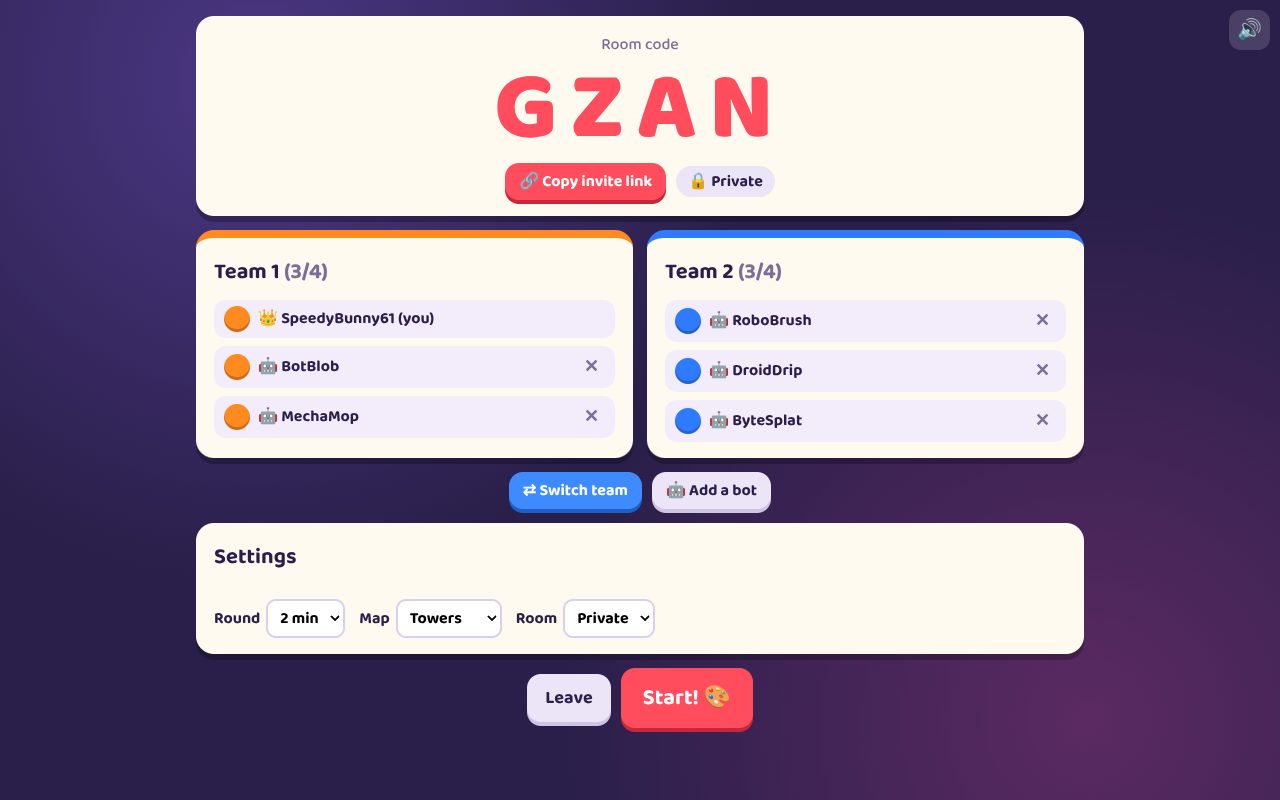
Rooms: make a public room for anyone to join, a private room for friends with its four-letter code, or practise with bots. The host picks the map and how long the round lasts.
PUT IT ON YOUR HOME SCREEN
The best way to play is from Paint Party 3D's own icon on your desktop or home screen. It opens like an app, without the browser around it. Press Play it now first, then:
Windows or Chromebook (Chrome or Edge)
Click the Install button at the right of the address bar. Or open the browser's menu (⋮ or …) and choose Install Paint Party 3D (in Edge: Apps, then Install this site as an app).
iPhone or iPad
In Safari, tap the Share button (a square with an arrow pointing up), then Add to Home Screen, then Add.
Android phone or tablet
In Chrome, tap the menu (⋮), then Add to Home screen or Install app.
Mac (Safari)
Choose File, then Add to Dock. (In Chrome or Edge on a Mac, use their Install button instead.)
Firefox on a computer
Firefox can't install games as apps. Bookmark the game instead, or open it in Chrome or Edge to install it.
WHERE IT WORKS
- Computers with a mouse and keyboard: Windows, Mac, Chromebook, Linux.
- Phones and tablets, best held sideways.
- It needs an internet connection, even against bots, because the game runs on TRI_BOI's server.
FOR PARENTS
Every player is treated as under 13. There's no chat: players can only send a few fixed messages like "Nice!" and "Good game!". Nobody types a name. Your child's name is a made-up one from their TRI_BOI player, like SwiftFox27, the same in every TRI_BOI game, and it's the only thing another player sees.
The ink is cartoon paint: a player who is "splatted" bursts into a puddle of colour and is back in three seconds. Nothing about your child is collected or saved, and there are no ads or trackers.
If your family enjoys our games, you can leave a tip. It's never needed to play.