PIXEL PIRATES
Start as a Pirate on Driftwood Isle or join the Navy at Anchor Point. Sail the First Sea's fourteen islands, cross the Mist Wall into the Second Sea's eight, eat power fruits, learn fighting styles and beat every island's boss on the way from level 1 to level 1500.
PLAY IT NOW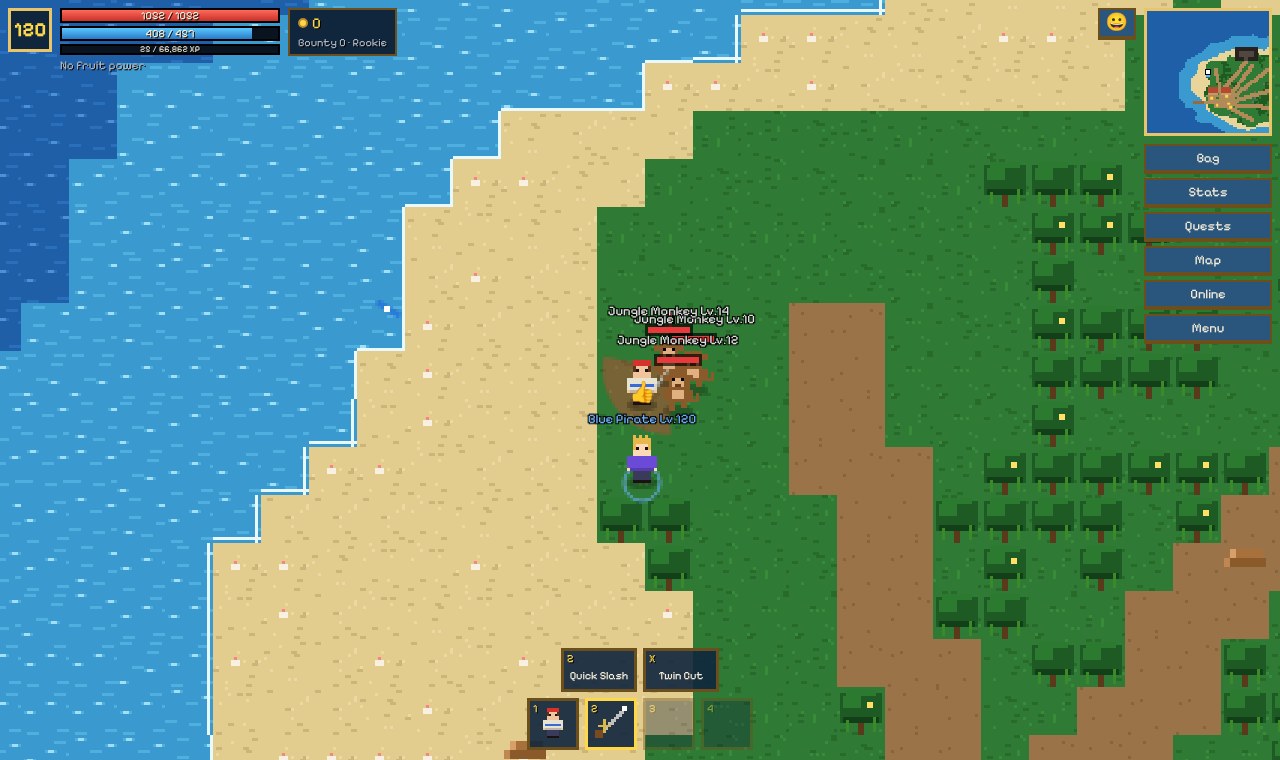
WHAT YOU DO
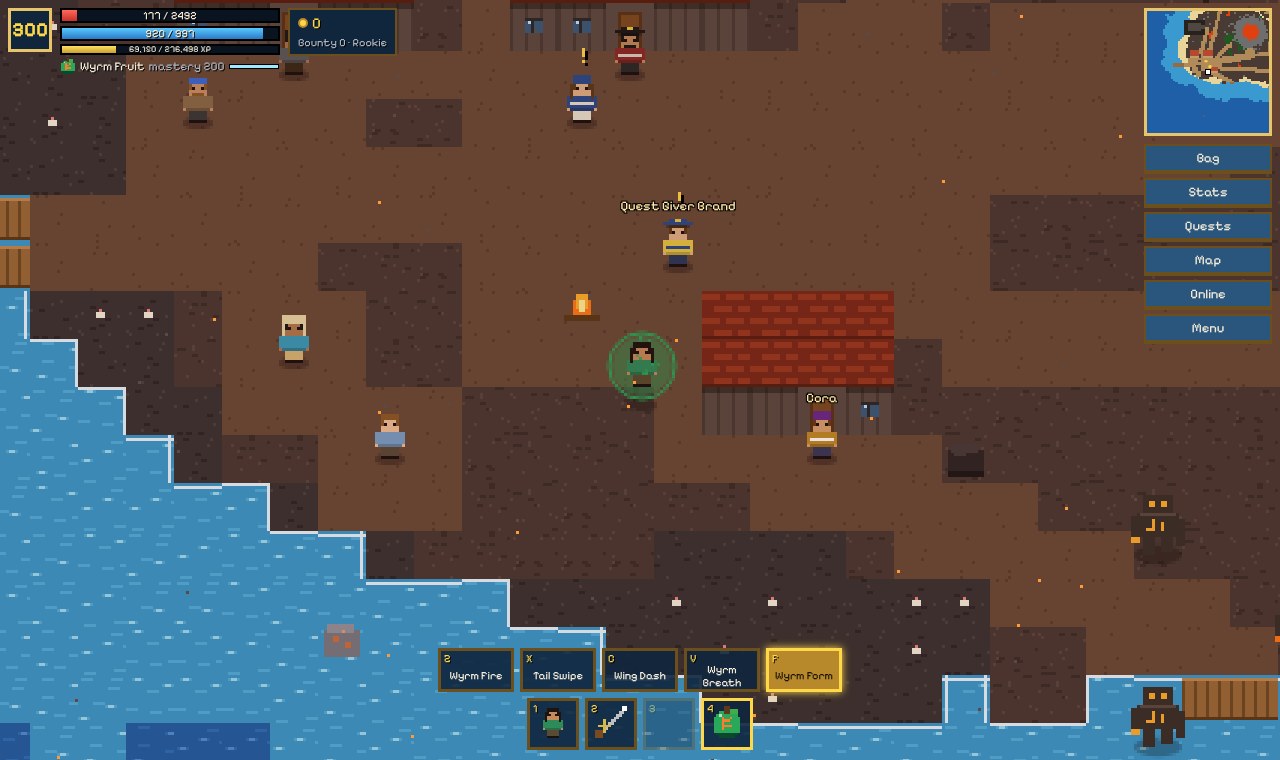
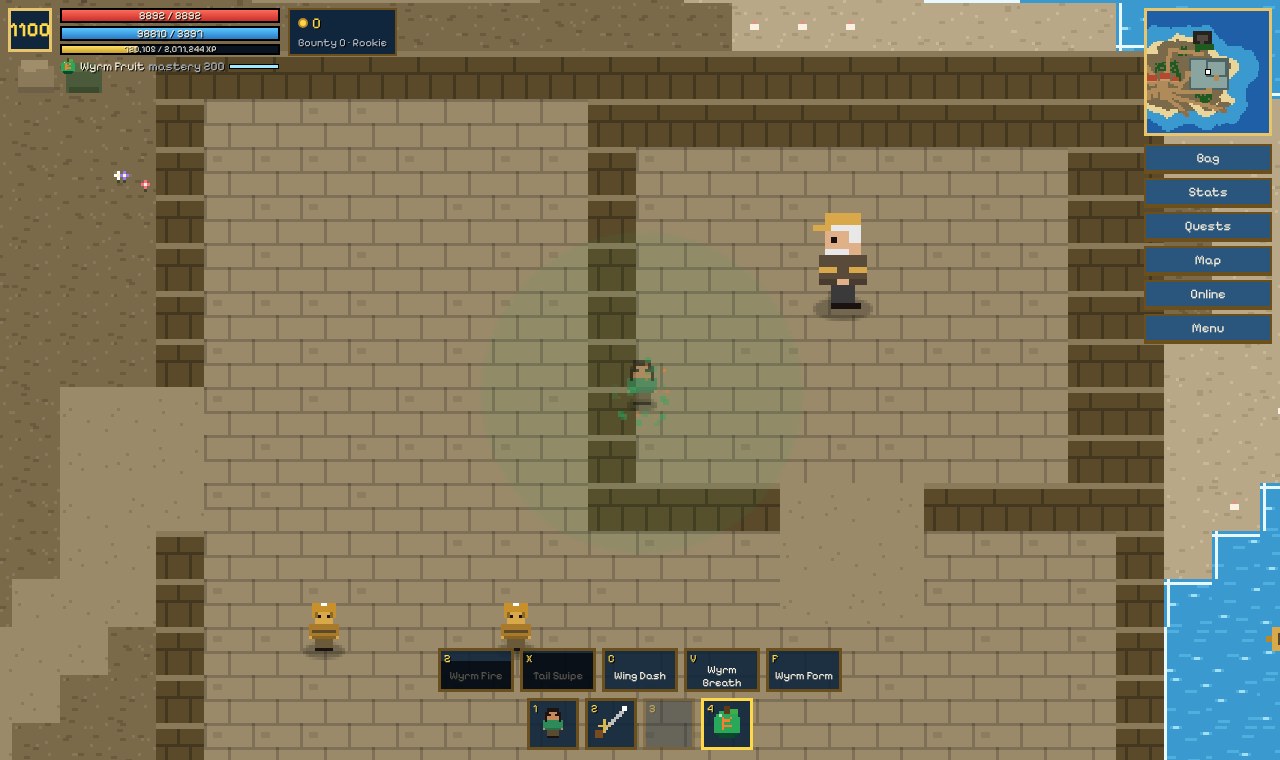
- Sail two seas: fourteen islands in the First Sea, from a jungle and a desert to a snowy island, a prison and a volcano, then eight more past the Mist Wall in the Second Sea. Every island has a village, a dock, quests, hidden places and its own boss.
- Eat power fruits: twenty fruits to find, buy or win, each with four skills and a form that lets you fly or turn into its element. Raids awaken their powers even more.
- Fight your way: fists and fighting styles, swords and guns, each with its own skills on the hotbar. Dodge through attacks, block, and spend your stat points on the way you like to fight.
- Quests and treasure: a Quest Giver in every village, more than a hundred story quests, buried treasure, supply crates and secret chests.
- Boats: start with a raft and work up to a galleon, with cannons, upgrades and repairs. At sea you'll meet enemy ships, sea monsters, whirlpools and surprise events.
- Play with friends: one pirate hosts and gets a 4-letter code, and up to 3 friends join their world with it. Fight the same enemies and bosses together; everyone nearby gets the reward, and each pirate keeps their own level, fruit and bag.
HOW TO PLAY
On a computer: walk with W A S D or the arrow keys and aim with the mouse. Click or Space attacks, Q dashes and E talks, opens things and gets you on and off your boat. 1 to 4 pick fists, sword, gun or fruit, and Z X C V F use their skills. H heals. I opens your bag, K your stats, J quests, M the map, O online play and Esc the menu.
On a phone or tablet: drag on the left side to walk and sail, and use the buttons on the right to attack, dash, use things and block. Tap a slot on the hotbar to hold it, then tap a skill above it.
Talk to the people with a yellow ! to get quests. The Quests window keeps track of all of them.
PUT IT ON YOUR HOME SCREEN
The best way to play is from Pixel Pirates' own icon on your desktop or home screen. It opens like an app, full screen, without the browser around it. Press Play it now first, then:
Windows or Chromebook (Chrome or Edge)
Click the Install button at the right of the address bar. Or open the browser's menu (⋮ or …) and choose Install Pixel Pirates (in Edge: Apps, then Install this site as an app).
iPhone or iPad
In Safari, tap the Share button (a square with an arrow pointing up), then Add to Home Screen, then Add.
Android phone or tablet
In Chrome, tap the menu (⋮), then Add to Home screen or Install app.
Mac (Safari)
Choose File, then Add to Dock. (In Chrome or Edge on a Mac, use their Install button instead.)
Firefox on a computer
Firefox can't install games as apps. Bookmark the game instead, or open it in Chrome or Edge to install it.
WHERE IT WORKS
- Computers with a keyboard and mouse: Windows, Mac, Chromebook, Linux.
- Phones and tablets, with a stick and buttons on the screen.
- Play alone, or online with up to 3 friends (that needs an internet connection). Your game is saved in the browser on that device, by itself every minute and after important moments.
FOR PARENTS
Every player is treated as under 13. Your child can play alone, or online with friends who have the room code, but there's no chat: players can only show emotes like a wave or a thumbs up. The name your child gives their pirate stays in the browser on their own device and is never sent anywhere; other players see "Red Pirate", "Blue Pirate" and so on. Nothing about your child is collected, and there are no ads or trackers.
There is fighting with fists, swords, cannons and fruit powers, drawn in small pixel art. Nothing is gory: a pirate who is knocked out wakes up again in the last village they visited.
If your family enjoys our games, you can leave a tip. It's never needed to play.