THE
COMMONS
A blocky build-and-play game. Meet other players in the Commons, race go-karts and fly helicopters, then jump into Capture the Flag, Sportsball or a battle against waves of Baddies. Build your own maps, and your own cars, planes and helicopters, out of blocks.
PLAY IT NOW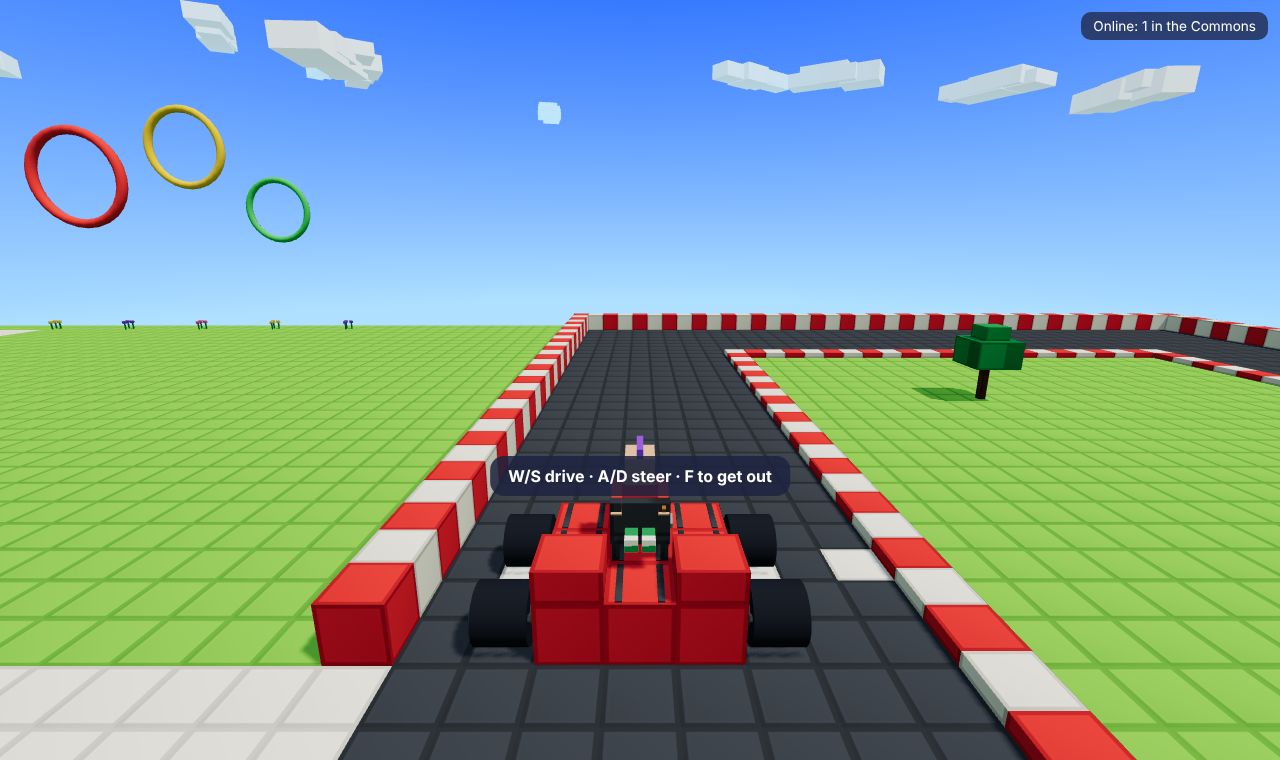
WHAT YOU DO
The Commons is a fan recreation of Q.U.I.R.K., a game by uGen from 2017 and 2018 that can't be played any more. It isn't made by uGen or connected to them: everything in it was made new by TRI_BOI Games.
- Hang out in the Commons: everyone online meets here. Bounce on the bouncy house, get fired through hoops from the catapult, set off fireworks, and bop your friends with your hammer. There's a go-kart track with a lap timer, an airfield with a plane and a helicopter, an obstacle course, a hedge maze and a target range.
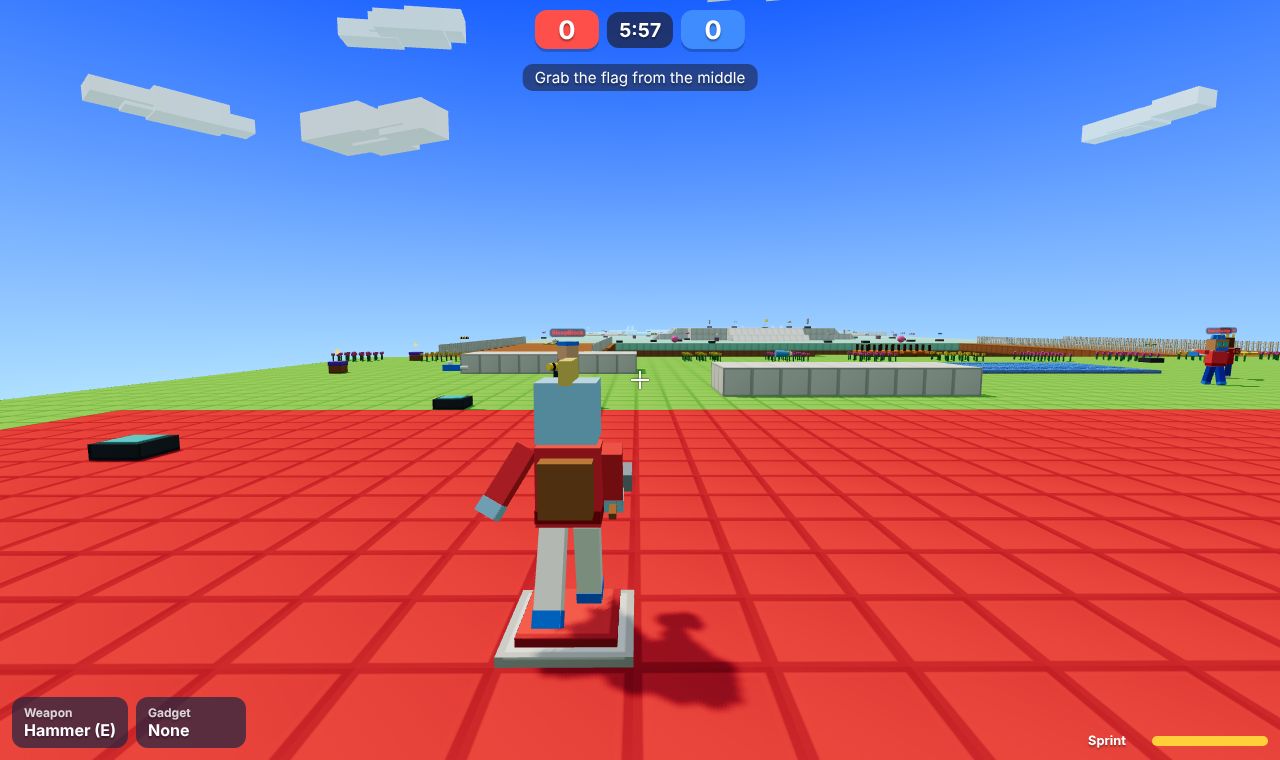
- Play a match: walk into the Quick Match kiosk and vote for a map. Play Capture the Flag, Sportsball, Deathmatch (two teams, four teams, 1 against 1, or everyone for themselves), or team up against ten waves of Baddies. Computer players fill any empty places.
- Grab a weapon: every weapon comes from a Weapon Spawn on the map: a bazooka of heat-seeking bees, a toaster gun, a pie launcher, a bubble blaster, a grappling plunger, a jetpack and more. One hit knocks a player out, and they're back a few seconds later.
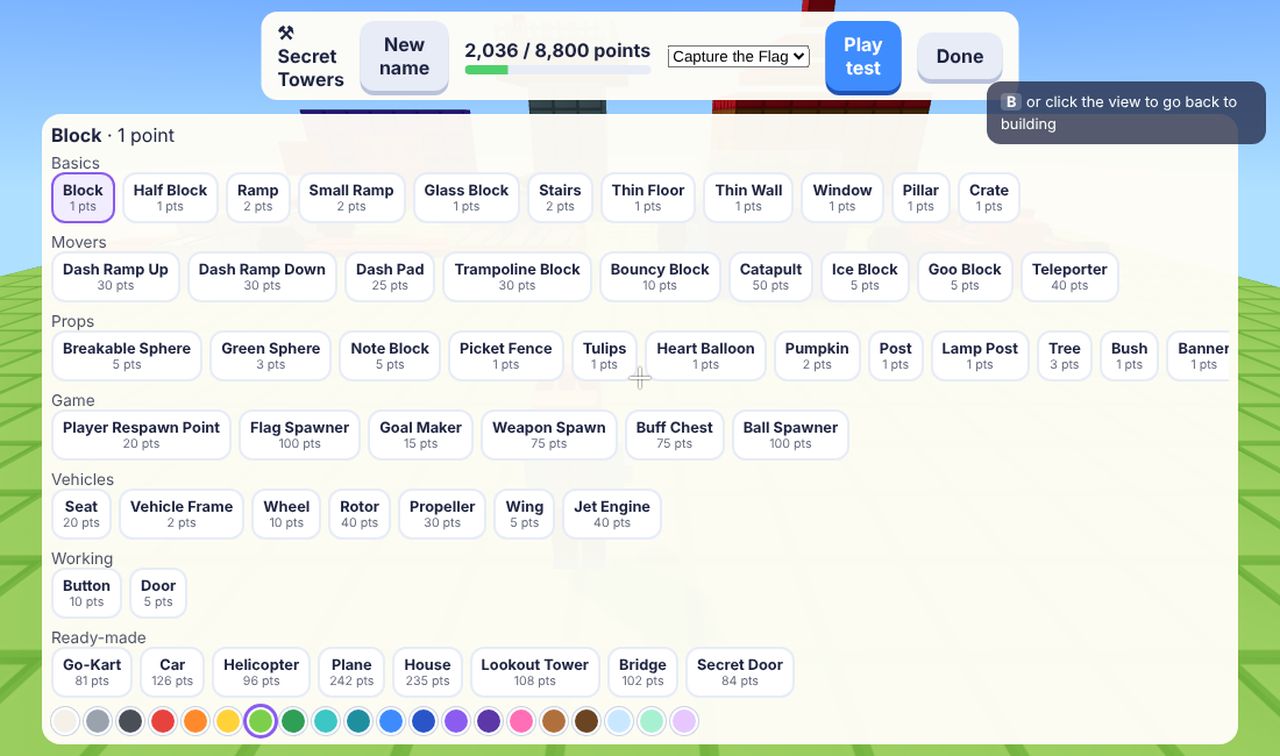
- Build: make your own map out of blocks, with a budget of 8,800 points. Add trampolines, dash pads, teleporters and flags, then play-test it. Send it in, and once a person at TRI_BOI has checked it, everyone can play it.
- Build vehicles: put a Seat on some blocks with Wheels and you've made a car. Add a Rotor and it's a helicopter; Wings and a Jet Engine make a plane. Or stamp down a ready-made one.
HOW TO PLAY
On a computer: walk with W A S D, jump with Space and sprint with Shift. Click the game, then move the mouse to look around (Esc lets the mouse go). Click to fire, E swings the hammer, X drops what you're holding, and F gets you in or out of a vehicle. Stand next to a kiosk in the Commons and click to go in. 1 waves and 2 gives a thumbs up.
On a phone or tablet: the thumb pad walks, and dragging the view looks around. There are buttons to jump, fire, swing the hammer and get in a vehicle.
The Tutorial kiosk shows you the rest.
PUT IT ON YOUR HOME SCREEN
The best way to play is from The Commons's own icon on your desktop or home screen. It opens like an app, full screen, without the browser around it. Press Play it now first, then:
Windows or Chromebook (Chrome or Edge)
Click the Install button at the right of the address bar. Or open the browser's menu (⋮ or …) and choose Install The Commons (in Edge: Apps, then Install this site as an app).
iPhone or iPad
In Safari, tap the Share button (a square with an arrow pointing up), then Add to Home Screen, then Add.
Android phone or tablet
In Chrome, tap the menu (⋮), then Add to Home screen or Install app.
Mac (Safari)
Choose File, then Add to Dock. (In Chrome or Edge on a Mac, use their Install button instead.)
Firefox on a computer
Firefox can't install games as apps. Bookmark the game instead, or open it in Chrome or Edge to install it.
WHERE IT WORKS
- Computers with a keyboard and mouse: Windows, Mac, Chromebook, Linux.
- Phones and tablets, with a thumb pad and buttons on the screen.
- Playing with other people needs an internet connection. Your look, settings and the maps you build are saved in the browser on that device.
FOR PARENTS
Every player is treated as under 13. Your child plays online with other people, but there's no chat: players can only wave and give a thumbs up. Nobody types a name; the game makes one up from a list of words. Nothing about your child is collected, and there are no ads or trackers.
Maps that players build are only shown to other players after a person at TRI_BOI has looked at them and approved them, so nobody can spell out words in blocks for others to see.
The weapons are silly ones, like bees, toast and pies. Nothing is gory: a player who's hit simply pops back a few seconds later.
If your family enjoys our games, you can leave a tip. It's never needed to play.