STORM WAKE
A storm out of a clear sky leaves you washed up on Driftwood Isle. Gather salvage, build a raft, choose your first crewmate and sail between six islands to find out who is calling the storms, and why every survivor remembers a green light.
PLAY IT NOW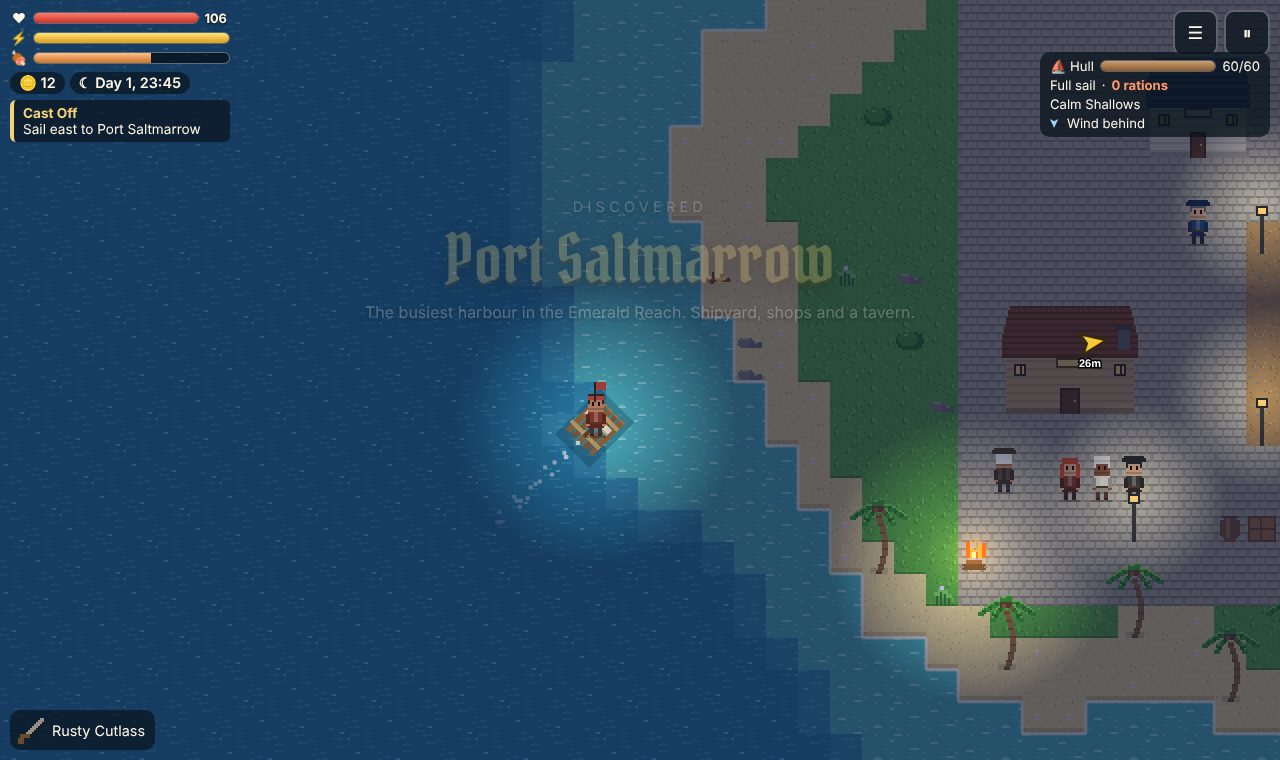
WHAT YOU DO
- Survive the island: gather wood, scrap, rope and cloth from the world around you, cook food at a campfire and craft tools, medicine and boat parts.
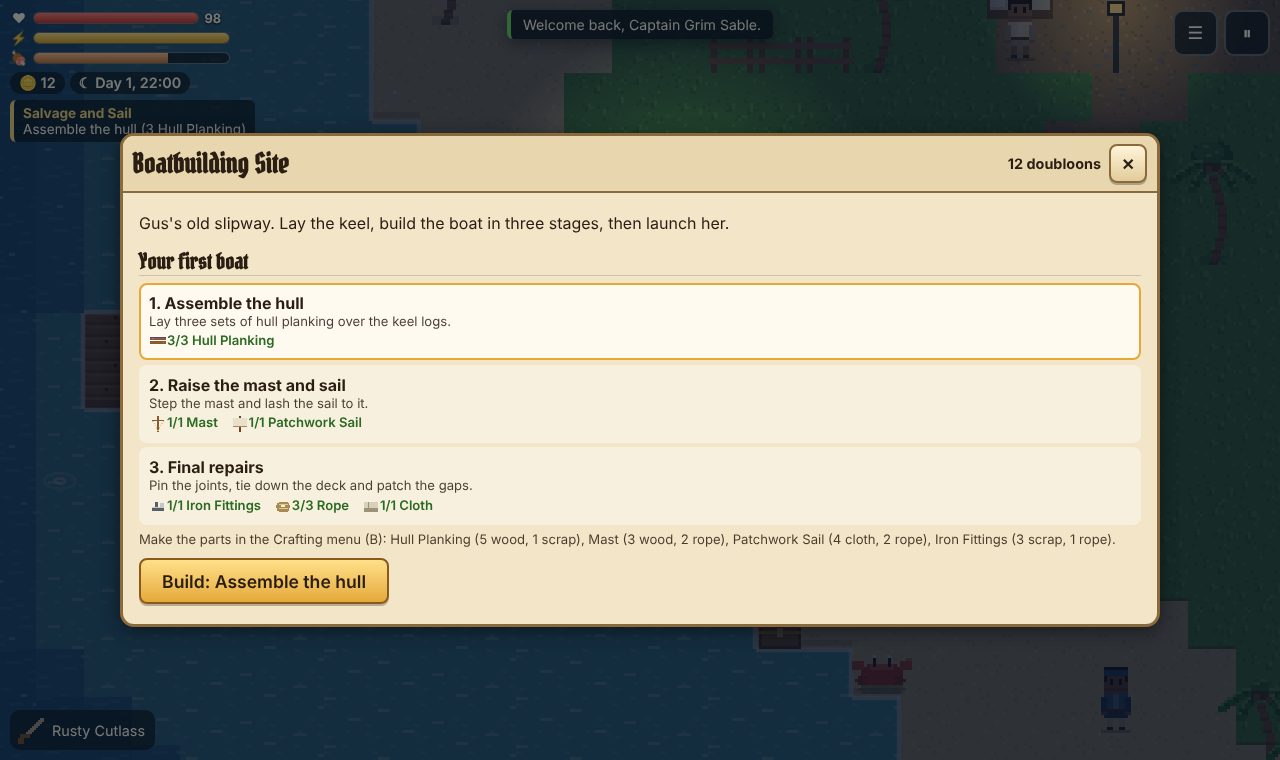
- Build a boat: find the raft blueprint, build it in three stages at Gus's slipway and launch it. Later you can buy a sailboat, a pirate ship and a grand ship, and fit them with upgrades.
- Choose a crew: your first crewmate is your choice: Liora the navigator, Bram the cook or Dr. Nell the doctor. Each has their own story. More people join later, and they all have their own moods and opinions about what you do.
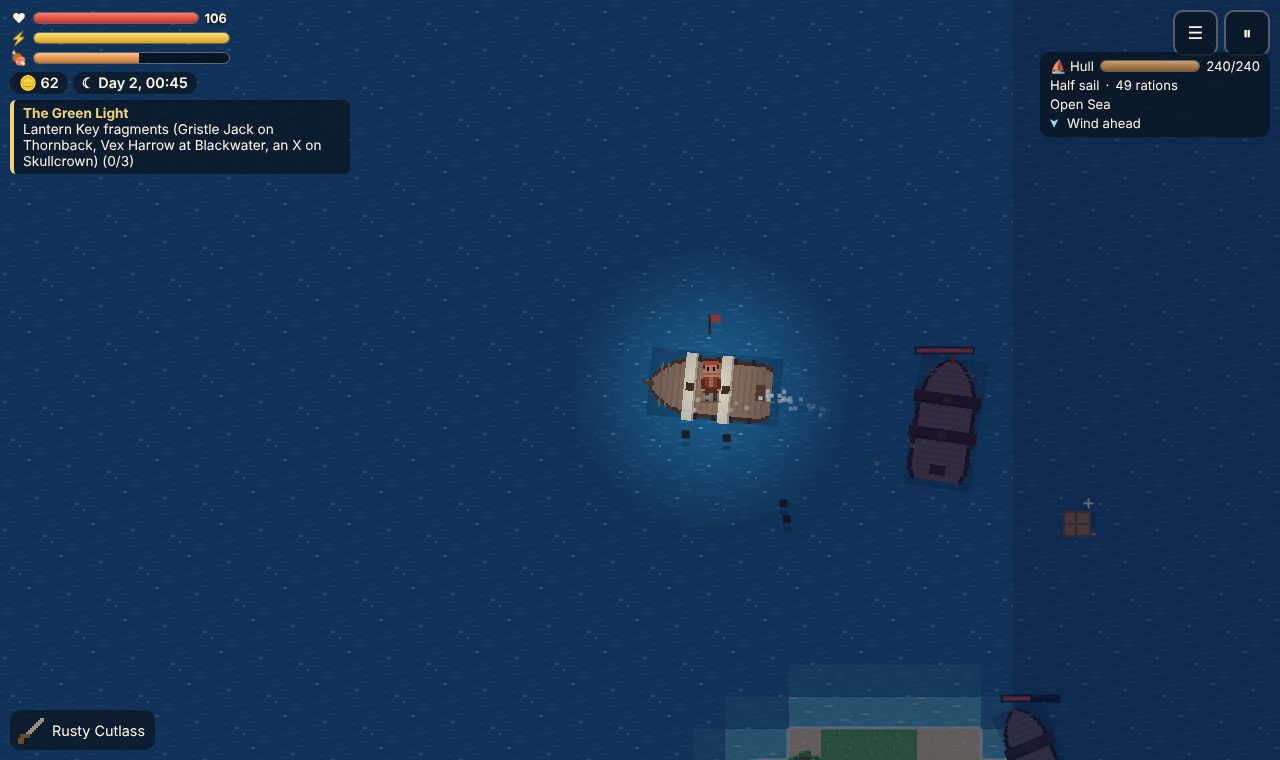
- Sail and fight: steer with the wind, cross rough water, fire your cannons at pirates, rescue merchants and pick up drifting salvage. On land, fight with swords, axes and pistols: dodge, block and land a power strike.
- Solve the mystery: six islands, three bosses, side quests, treasure maps, and three different endings depending on what you choose.
- Play with friends: one captain hosts and gets a 4-letter code, and up to 3 friends join their world with it. Fight foes together and share the rewards; everyone keeps their own captain, pack and ship.
HOW TO PLAY
On a computer: walk with W A S D or the arrow keys. E talks, gathers, opens things and gets you on or off your ship. Space or a click attacks (at sea it fires the cannons), Shift dodges and F blocks. Q eats or heals. At sea, W and S raise and lower the sails and A and D steer. I opens your pack, B crafting, M the map and Esc pauses.
On a phone or tablet: the stick on the left walks and steers, and there are buttons to attack, use things, dodge, block and heal. The ☰ button opens the captain's book.
The yellow arrow always points to what to do next, and the Journal keeps track of every quest.
PUT IT ON YOUR HOME SCREEN
The best way to play is from Storm Wake's own icon on your desktop or home screen. It opens like an app, full screen, without the browser around it. Press Play it now first, then:
Windows or Chromebook (Chrome or Edge)
Click the Install button at the right of the address bar. Or open the browser's menu (⋮ or …) and choose Install Storm Wake (in Edge: Apps, then Install this site as an app).
iPhone or iPad
In Safari, tap the Share button (a square with an arrow pointing up), then Add to Home Screen, then Add.
Android phone or tablet
In Chrome, tap the menu (⋮), then Add to Home screen or Install app.
Mac (Safari)
Choose File, then Add to Dock. (In Chrome or Edge on a Mac, use their Install button instead.)
Firefox on a computer
Firefox can't install games as apps. Bookmark the game instead, or open it in Chrome or Edge to install it.
WHERE IT WORKS
- Computers with a keyboard and mouse: Windows, Mac, Chromebook, Linux.
- Phones and tablets, with a stick and buttons on the screen.
- Play alone, or online with up to 3 friends (that needs an internet connection). Your games are saved in the browser on that device, with an autosave and three save slots.
FOR PARENTS
Every player is treated as under 13. Your child can play alone, or online with friends who have the room code, but there's no chat: players can only wave and show emotes. Your child never types a name: their captain gets a made-up game name like SwiftFox27, picked from word lists, and it stays in the browser on their own device; other players see "Captain Red", "Captain Blue" and so on. Nothing about your child is collected, and there are no ads or trackers.
There is sword fighting and cannon fire, drawn in small pixel art. Nothing is gory: a captain who is knocked out wakes up again at the last campfire.
If your family enjoys our games, you can leave a tip. It's never needed to play.