CRAFTING
THE CARD GAME
A card battle game with Mobs. Build a deck of Mobs and Items, keep your Energy up, and knock out your rival's Mobs. Play the bot, or a friend on another phone or computer.
PLAY IT NOW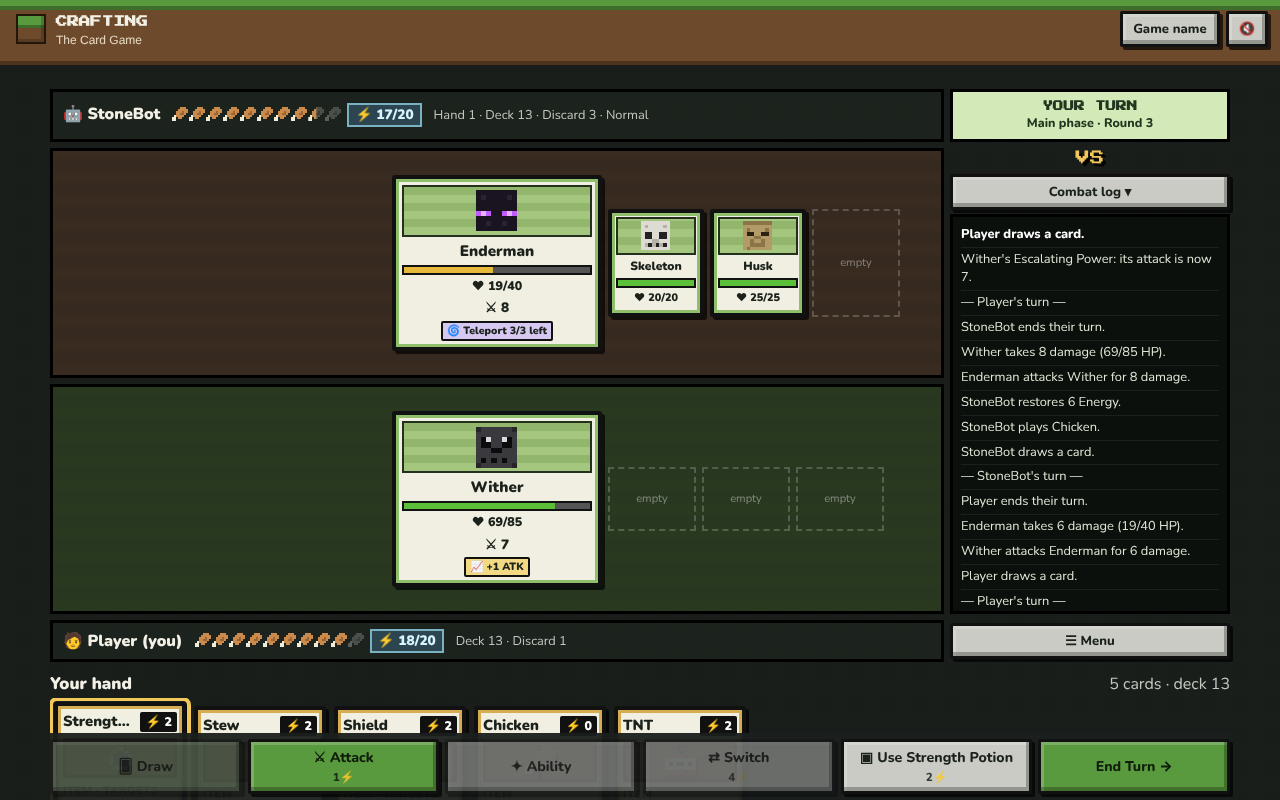
WHAT YOU DO
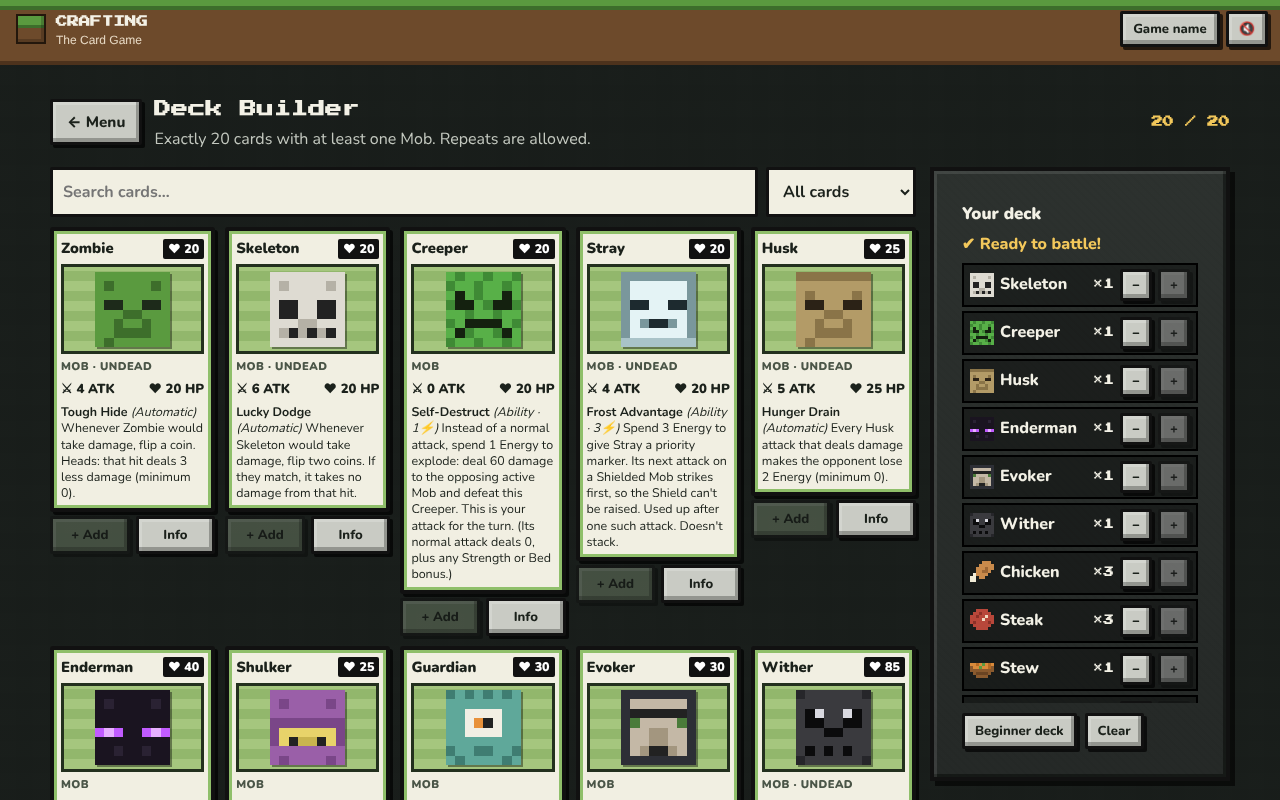
Each player has a deck of 20 cards. There are 10 Mobs, like the Creeper, Enderman and Wither, and 11 Items, like TNT, Shields, potions and food. Every Mob has HP, an attack and its own special ability. Knock out the other player's Mobs. When their last Mob is beaten, you win.
Your Energy is your hunger. You start with 20, and it never fills up by itself. Attacking, switching and most Items cost Energy, so you'll need to eat Chicken, Steak or Stew.
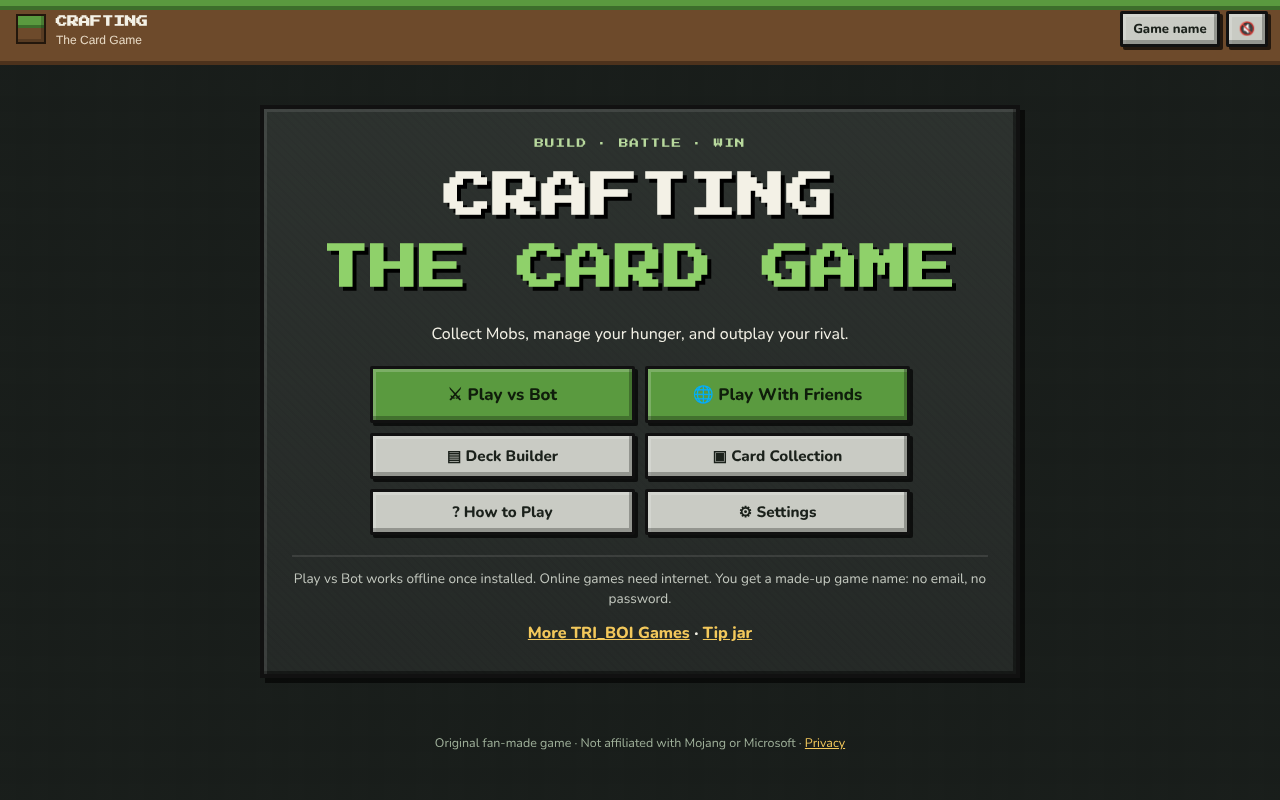
- Play vs Bot: pick Easy, Normal or Hard. Once the game is installed, this works with no internet.
- Play With Friends: one player creates a private room and gets a six-character code. A friend types the code to join. Each room is for two players, on phones, tablets or computers.
- Deck Builder: make your own deck of exactly 20 cards with at least one Mob. Or use the beginner deck, which is ready to go.
- Card Collection: look at every Mob and Item up close.
It's a fan-made game. It isn't made by Mojang or Microsoft.
HOW TO PLAY
You draw four cards and pick one Mob to start with. Your other Mobs wait on your bench, and a coin toss decides who goes first. On your turn: Draw a card, play Items or use abilities, Attack once, then End Turn.
On a phone or tablet: tap a card in your hand to pick it, then tap Use (or Bench for a Mob). Tap a card again, or tap a Mob on the field, to see what it does. The buttons along the bottom do everything else.
On a computer: click the same way, or use the keys: D to draw, A to attack, B for your Mob's ability, S to switch, P to play the card you picked, and E to end your turn. ☰ Menu pauses the game.
The game's How to Play screen has all the rules and every card.
PUT IT ON YOUR HOME SCREEN
The best way to play is from the game's own icon (called Crafting) on your desktop or home screen. It opens like an app, full screen, without the browser around it, and Play vs Bot works even with no internet. Press Play it now first, then:
Windows or Chromebook (Chrome or Edge)
Click the Install button at the right of the address bar. Or open the browser's menu (⋮ or …) and choose Install Crafting - The Card Game (in Edge: Apps, then Install this site as an app).
iPhone or iPad
In Safari, tap the Share button (a square with an arrow pointing up), then Add to Home Screen, then Add.
Android phone or tablet
In Chrome, tap the menu (⋮), then Add to Home screen or Install app.
Mac (Safari)
Choose File, then Add to Dock. (In Chrome or Edge on a Mac, use their Install button instead.)
Firefox on a computer
Firefox can't install games as apps. Bookmark the game instead, or open it in Chrome or Edge to install it.
WHERE IT WORKS
- Computers: Windows, Mac, Chromebook, Linux. Use the mouse, or the keys.
- Phones and tablets, by tapping. Phones and computers can play each other.
- Play vs Bot works with no internet once the game is installed. Play With Friends needs the internet.
- Your deck and settings are saved in the browser on that device. Once you play with friends, your deck and your wins and losses are also kept with your game name, for that browser.
FOR PARENTS
Every player is treated as under 13. Playing the bot needs no name or sign-in at all. To play friends online, the game makes up a game name, like SwiftFox27: nobody types a name, and there's no email or password. There's no chat. Other players only see the game name, the win and loss record, and the cards played. Rooms are only joined by sharing a six-character code.
For online play, our server keeps the game name, the saved deck, the win, loss and draw record, and which two players played each match and who won. A cookie keeps that browser signed in as the same player. The network address is kept for a day at most, only to stop someone making lots of players. To delete it all, tap the game name at the top, then Delete my player. If you've set your child up with a TRI_BOI family account, they play under that game name instead, and this game keeps only their deck and record. There are no ads and no tracking.
If your family enjoys our games, you can leave a tip. It's never needed to play.